Retail Services
CHIMERA TOOL
Price
$ 0.11
Delivery Time
|1-10 Minutes
Chimera Tool Credits
Overview
Chimera Tool Samsung License Activation is designed for servicing Samsung cell phones. The official recommended price is 0.11 USD.
Description
How to Buy
- Register: If you're a first-time user, register at chimeratool.com.
- Order: Provide us with your Username when placing your order.
- Confirmation: After your order is successfully completed, we will inform you via email.
Please note: This activation is valid for one year only. After expiration, you will need to purchase it again to continue using ChimeraTool software.
Supported Features
- Decode Online*: Unlock devices online.
- Firmware Compatibility: Ensure device compatibility with various firmware versions.
- Reset FRP Lock: Bypass Factory Reset Protection.
- Read Codes: Extract device codes.
- Read Codes Online*: Extract device codes online.
- Patch Certificate: Modify certificates.
- Write Cert: Write certificates to the device.
- Network Repair: Fix network issues.
- Reset Screen Lock: Remove screen locks.
- Read Cert: Extract certificates.
- Set SIM Count: Configure the number of SIM slots.
- CSC Change: Change the Country/Carrier Specific Code.
- Reset Reactivation Lock: Disable reactivation locks.
- Firmware Download: Download firmware for various devices.
- MSL Decoding: Decode Master Subsidy Locks.
- Enable Wipe*: Enable wiping of the device.
- Read Cert For Credits*: Extract certificates using credits.
- SW Change: Change software.
- Carrier Relock*: Relock the carrier settings.
- Read SPC/MSL: Extract Service Programming Codes and Master Subsidy Locks.
- Restore / Store Backup: Backup and restore device data.
- Device Info: Retrieve device information.
- Repair Device Root Key: Fix root key issues.
- Reset EE Lock: Reset emergency locks.
- Read Codes Online #2*: Extract additional device codes online.
- Decode: Decode various locks.
- Root/Unroot: Gain or remove root access.
- RMM Decoding: Decode Remote Mobile Management.
- Repair EFS: Fix EFS (Encrypted File System) issues.
- Reboot: Restart the device.
- Knoxguard Decoding: Decode Knoxguard protection.
- Get Info: Retrieve detailed device information.
- Repair IMEI: Fix IMEI issues.
- Reset FRP / Reactivation Lock - UFS: Reset FRP/Reactivation lock on UFS devices.
- Reset FRP / Reactivation Lock: Reset FRP/Reactivation lock on all devices.
Note: Some operations require credit consumption. To purchase Chimera Tool Server Credits, follow this link.
$ 0.11
DELIVERY TIME : 1-10 Minutes
Buy NowChimera Tool Pro License Activation [ 1 year ]
Price
$ 130.00
Delivery Time
|1-10 Minutes
Chimera Tool Pro License Activation [ 1 year ]
Overview
Chimera Tool Samsung License Activation is designed for servicing Samsung cell phones. This license is valid for 1 year and can be used without a dongle. The official recommended price is 69.9 EUR.
Description
How to Buy
- Register: If you're a first-time user, register at chimeratool.com.
- Order: Provide us with your Username when placing your order.
- Confirmation: After your order is successfully completed, we will inform you via email.
Please note: This activation is valid for one year only. After expiration, you will need to purchase it again to continue using ChimeraTool software.
Supported Features
- Decode Online*: Unlock devices online.
- Firmware Compatibility: Ensure device compatibility with various firmware versions.
- Reset FRP Lock: Bypass Factory Reset Protection.
- Read Codes: Extract device codes.
- Read Codes Online*: Extract device codes online.
- Patch Certificate: Modify certificates.
- Write Cert: Write certificates to the device.
- Network Repair: Fix network issues.
- Reset Screen Lock: Remove screen locks.
- Read Cert: Extract certificates.
- Set SIM Count: Configure the number of SIM slots.
- CSC Change: Change the Country/Carrier Specific Code.
- Reset Reactivation Lock: Disable reactivation locks.
- Firmware Download: Download firmware for various devices.
- MSL Decoding: Decode Master Subsidy Locks.
- Enable Wipe*: Enable wiping of the device.
- Read Cert For Credits*: Extract certificates using credits.
- SW Change: Change software.
- Carrier Relock*: Relock the carrier settings.
- Read SPC/MSL: Extract Service Programming Codes and Master Subsidy Locks.
- Restore / Store Backup: Backup and restore device data.
- Device Info: Retrieve device information.
- Repair Device Root Key: Fix root key issues.
- Reset EE Lock: Reset emergency locks.
- Read Codes Online #2*: Extract additional device codes online.
- Decode: Decode various locks.
- Root/Unroot: Gain or remove root access.
- RMM Decoding: Decode Remote Mobile Management.
- Repair EFS: Fix EFS (Encrypted File System) issues.
- Reboot: Restart the device.
- Knoxguard Decoding: Decode Knoxguard protection.
- Get Info: Retrieve detailed device information.
- Repair IMEI: Fix IMEI issues.
- Reset FRP / Reactivation Lock - UFS: Reset FRP/Reactivation lock on UFS devices.
- Reset FRP / Reactivation Lock: Reset FRP/Reactivation lock on all devices.
Note: Some operations require credit consumption. To purchase Chimera Tool Server Credits, follow this link.
$ 130.00
DELIVERY TIME : 1-10 Minutes
Buy NowChimera Tool Samsung License Activation [ 1 year ]
Price
$ 75.00
Delivery Time
|1-10 Minutes
Chimera Tool Samsung License Activation [ 1 year ]
Overview
Chimera Tool Samsung License Activation is designed for servicing Samsung cell phones. This license is valid for 1 year and can be used without a dongle. The official recommended price is 69.9 EUR.
Description
How to Buy
- Register: If you're a first-time user, register at chimeratool.com.
- Order: Provide us with your Username when placing your order.
- Confirmation: After your order is successfully completed, we will inform you via email.
Please note: This activation is valid for one year only. After expiration, you will need to purchase it again to continue using ChimeraTool software.
Supported Features
- Decode Online*: Unlock devices online.
- Firmware Compatibility: Ensure device compatibility with various firmware versions.
- Reset FRP Lock: Bypass Factory Reset Protection.
- Read Codes: Extract device codes.
- Read Codes Online*: Extract device codes online.
- Patch Certificate: Modify certificates.
- Write Cert: Write certificates to the device.
- Network Repair: Fix network issues.
- Reset Screen Lock: Remove screen locks.
- Read Cert: Extract certificates.
- Set SIM Count: Configure the number of SIM slots.
- CSC Change: Change the Country/Carrier Specific Code.
- Reset Reactivation Lock: Disable reactivation locks.
- Firmware Download: Download firmware for various devices.
- MSL Decoding: Decode Master Subsidy Locks.
- Enable Wipe*: Enable wiping of the device.
- Read Cert For Credits*: Extract certificates using credits.
- SW Change: Change software.
- Carrier Relock*: Relock the carrier settings.
- Read SPC/MSL: Extract Service Programming Codes and Master Subsidy Locks.
- Restore / Store Backup: Backup and restore device data.
- Device Info: Retrieve device information.
- Repair Device Root Key: Fix root key issues.
- Reset EE Lock: Reset emergency locks.
- Read Codes Online #2*: Extract additional device codes online.
- Decode: Decode various locks.
- Root/Unroot: Gain or remove root access.
- RMM Decoding: Decode Remote Mobile Management.
- Repair EFS: Fix EFS (Encrypted File System) issues.
- Reboot: Restart the device.
- Knoxguard Decoding: Decode Knoxguard protection.
- Get Info: Retrieve detailed device information.
- Repair IMEI: Fix IMEI issues.
- Reset FRP / Reactivation Lock - UFS: Reset FRP/Reactivation lock on UFS devices.
- Reset FRP / Reactivation Lock: Reset FRP/Reactivation lock on all devices.
Note: Some operations require credit consumption. To purchase Chimera Tool Server Credits, follow this link.
$ 75.00
DELIVERY TIME : 1-10 Minutes
Buy NowiRemoval Pro A12+ Signal
iRemoval Pro iPhone 11 [ Hello Bypass ] [ with signal ]
Price
$ 100.00
Delivery Time
|1-10 Minutes
iRemoval Pro iPhone 11 [ Hello Bypass ] [ with signal ]
NO REFUND OR CANCEL AFTER ORDERING
How to Use iRemovaLPro A12+ Bypass:
Note before starting:
✅ Make Sure Your Device is Running iOS 17
✅ Make sure your device is on the Hello Screen.
✅ Make sure you have fast and stable internet.
✅ Make sure you run proper Windows with the latest drivers installed and iTunes and 3uTools installed.
✅ Passcode mode is not supported at the moment.
Features:
✅ OTA Supported for iOS 17.
✅ Fake Erase/Reset Added.
✅ Supports All iOS 15 till 16.6.1
Steps:
1️⃣ Connect Device To WiFi And Make Sure You Are Already On Activation Lock Screen (Ask Email & Password Screen)
2️⃣ Connect Device To PC
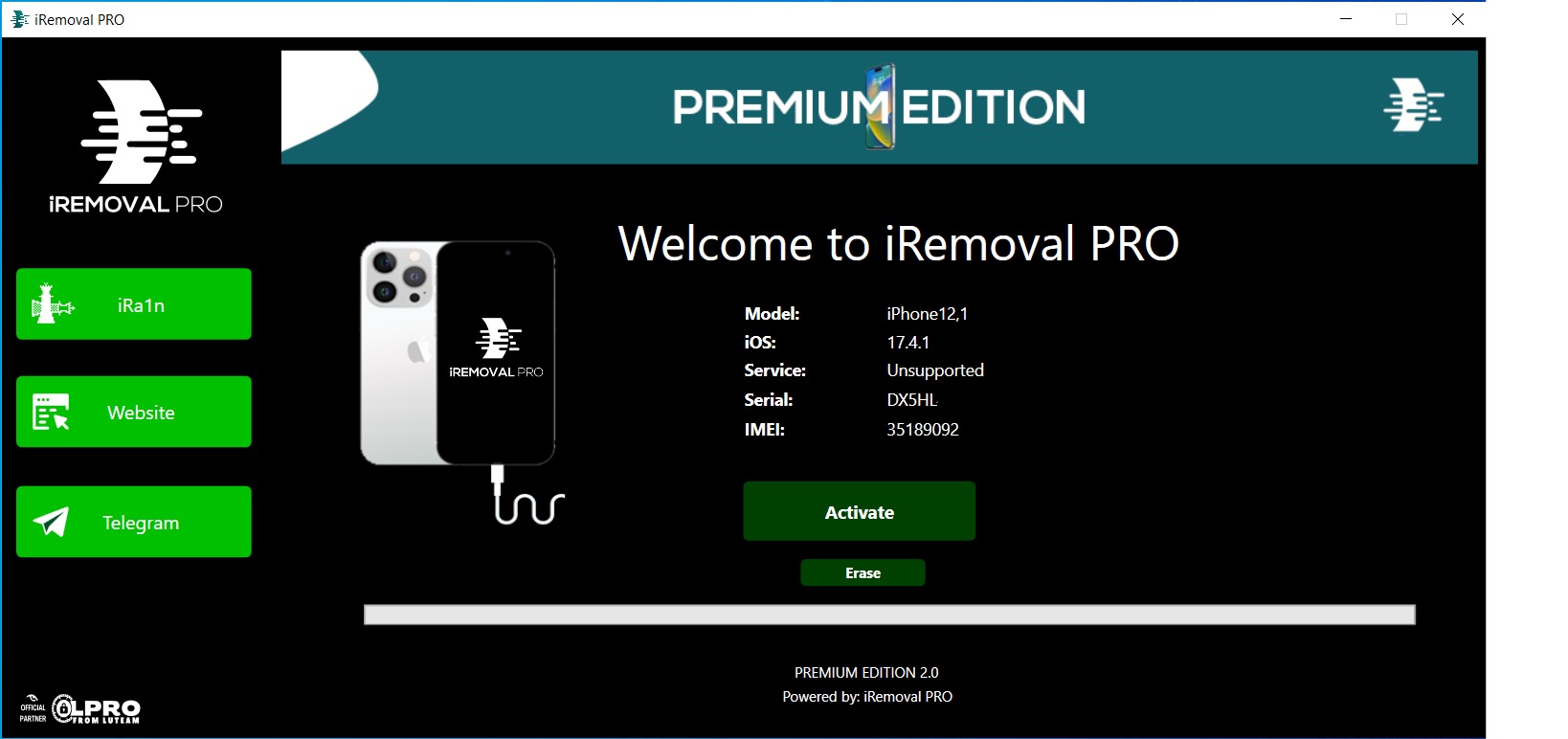
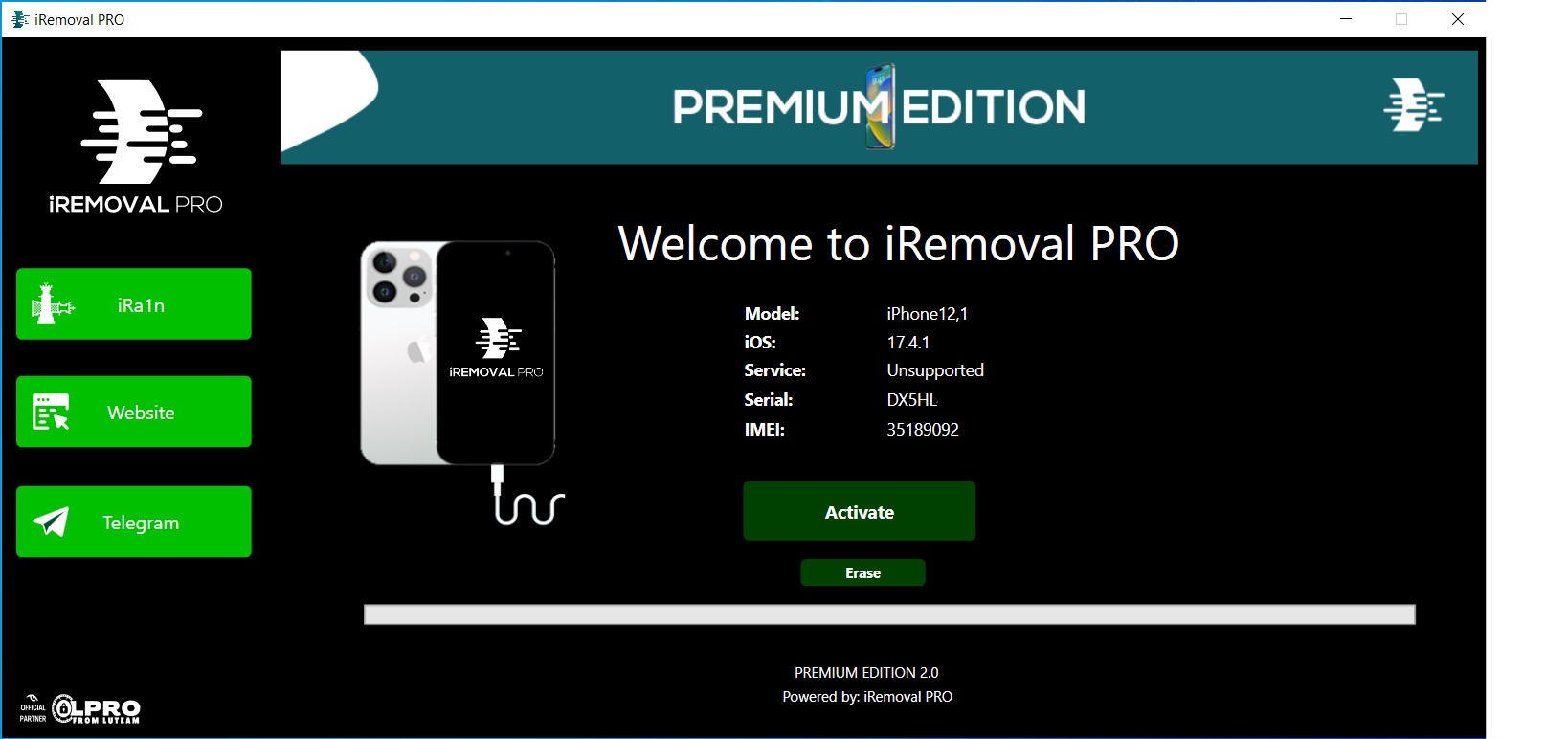
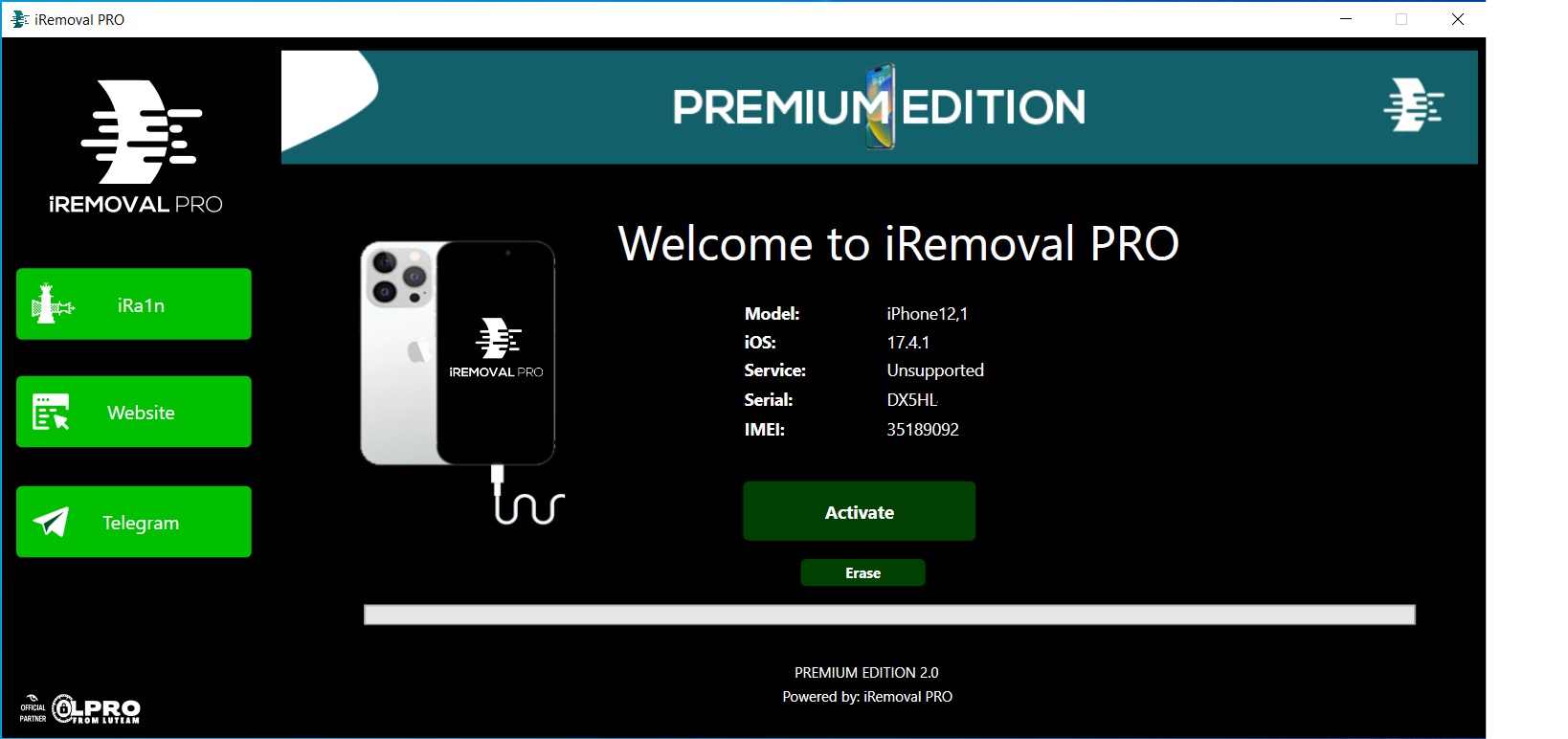
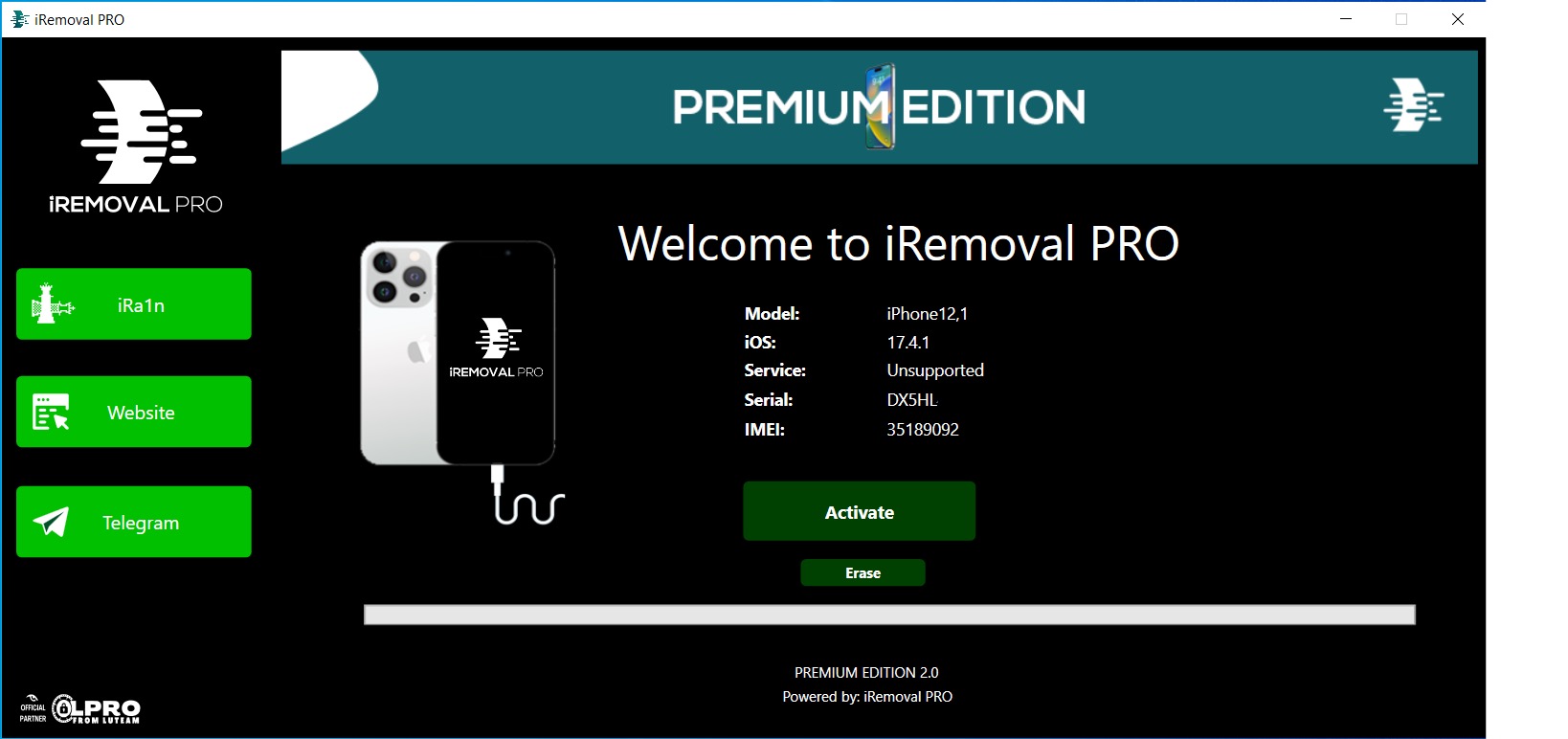
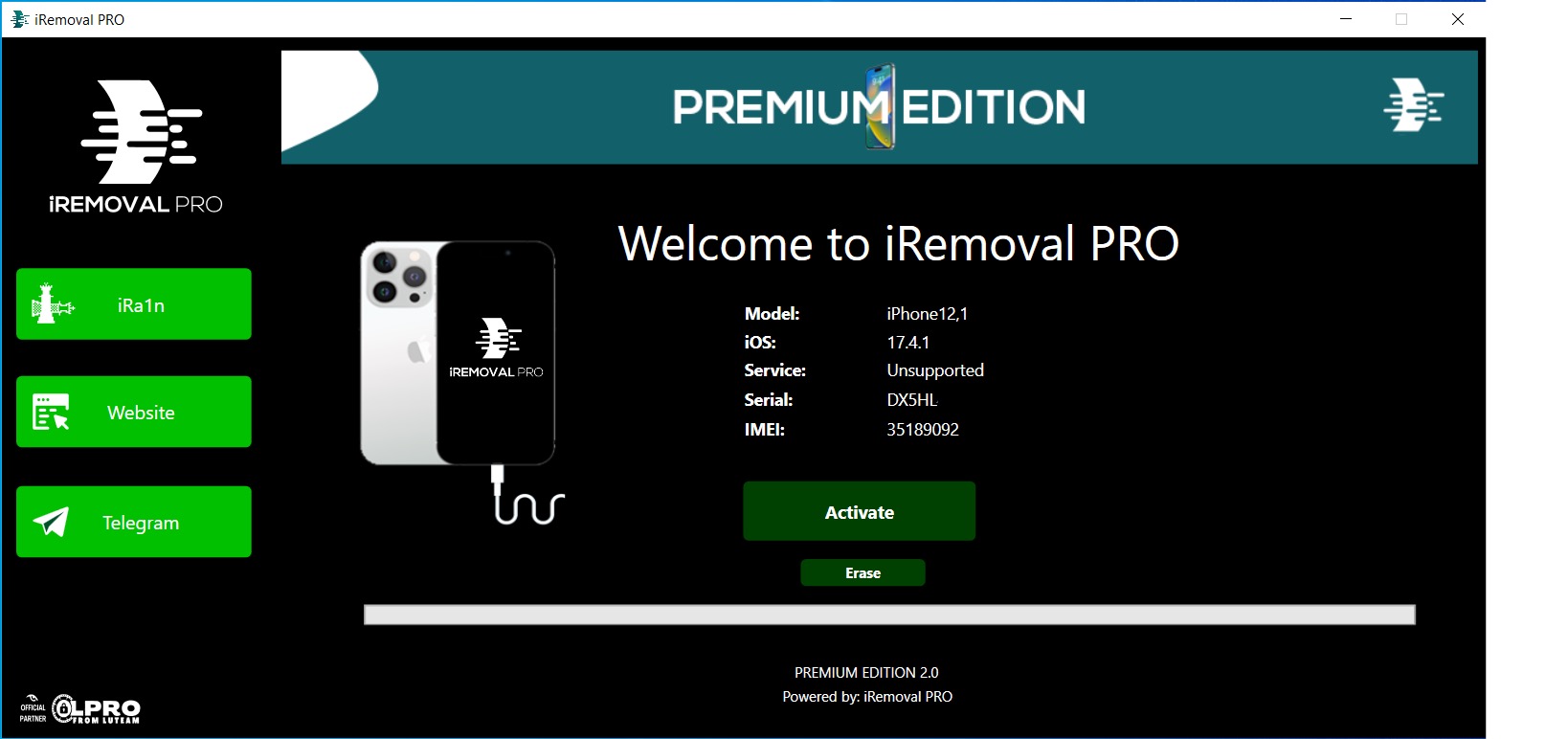
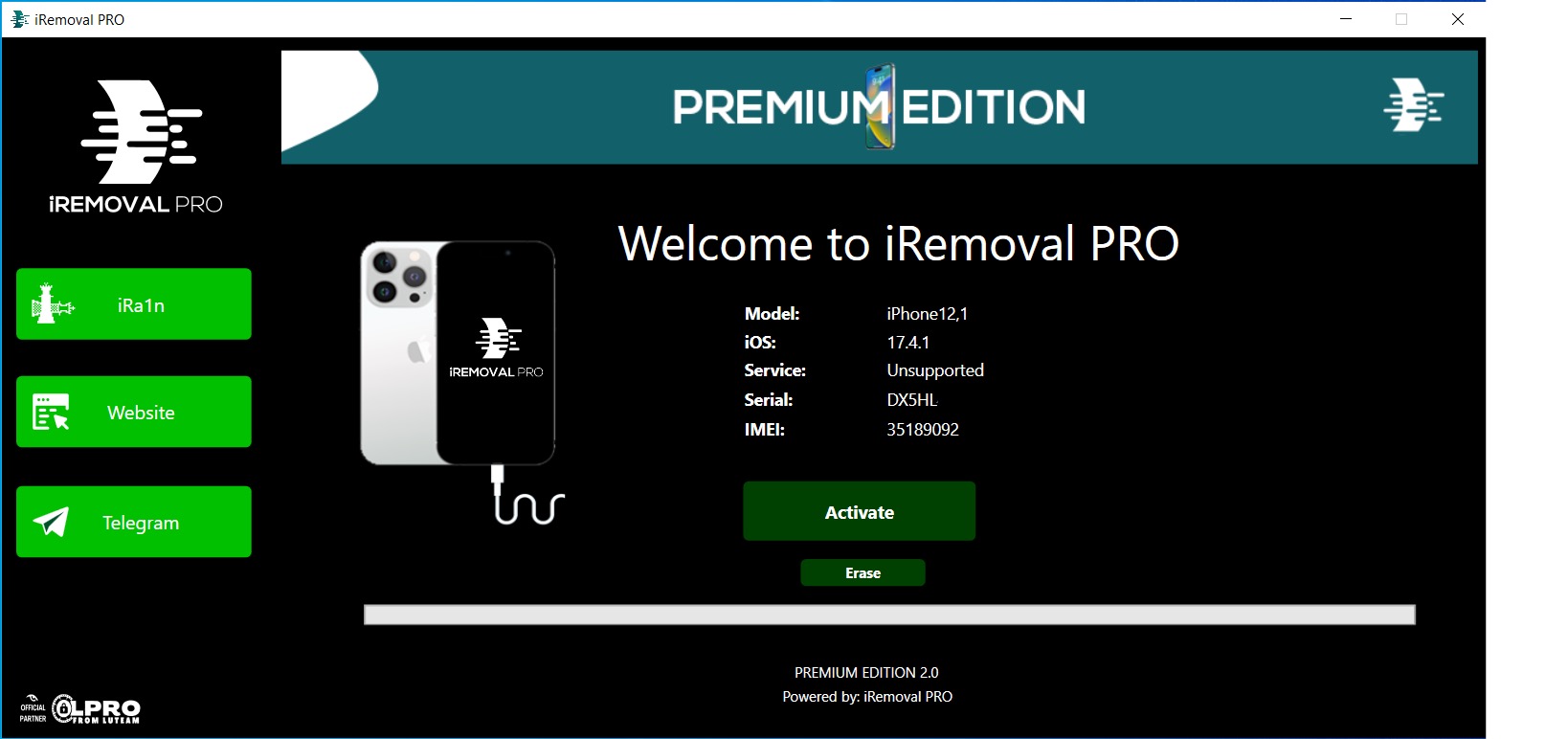
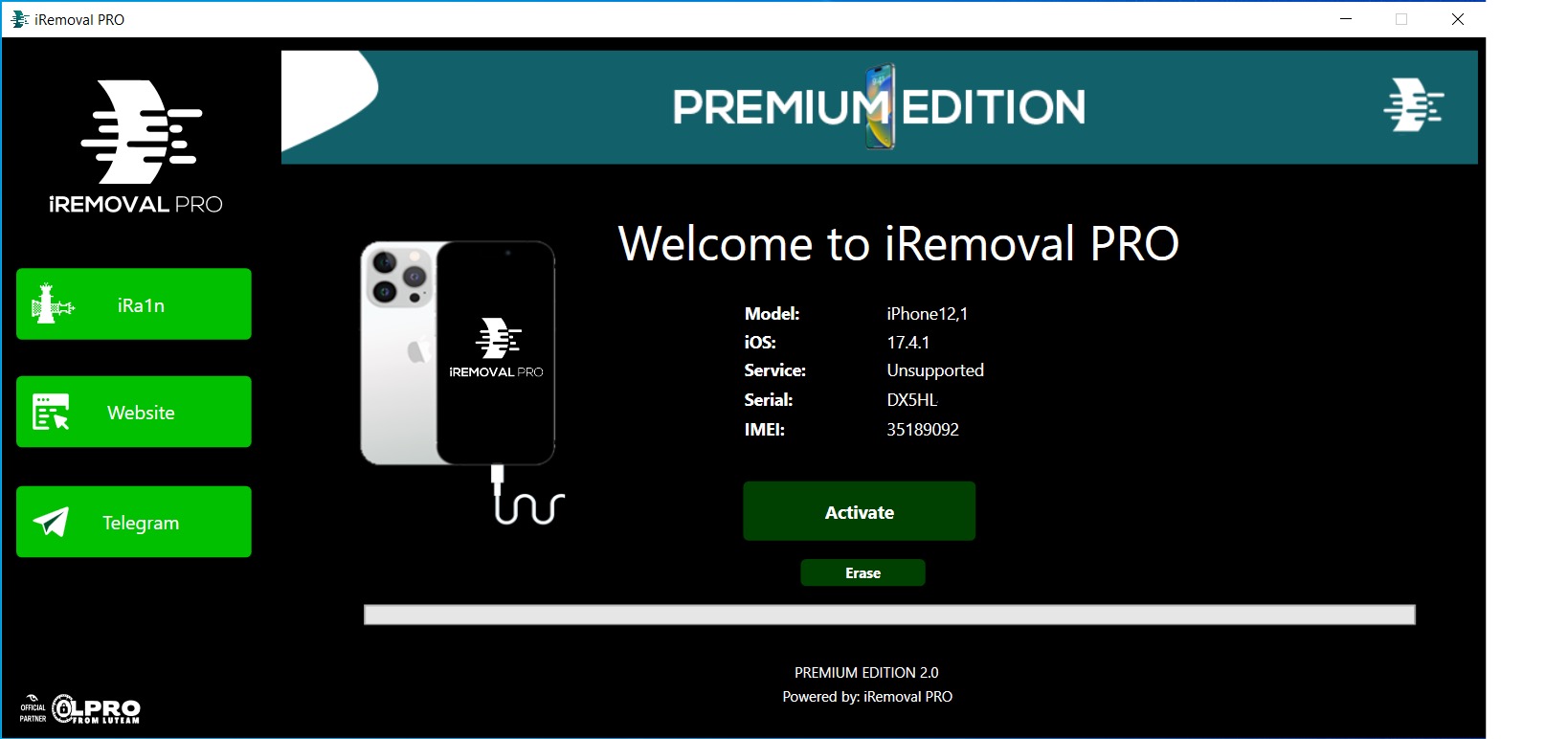
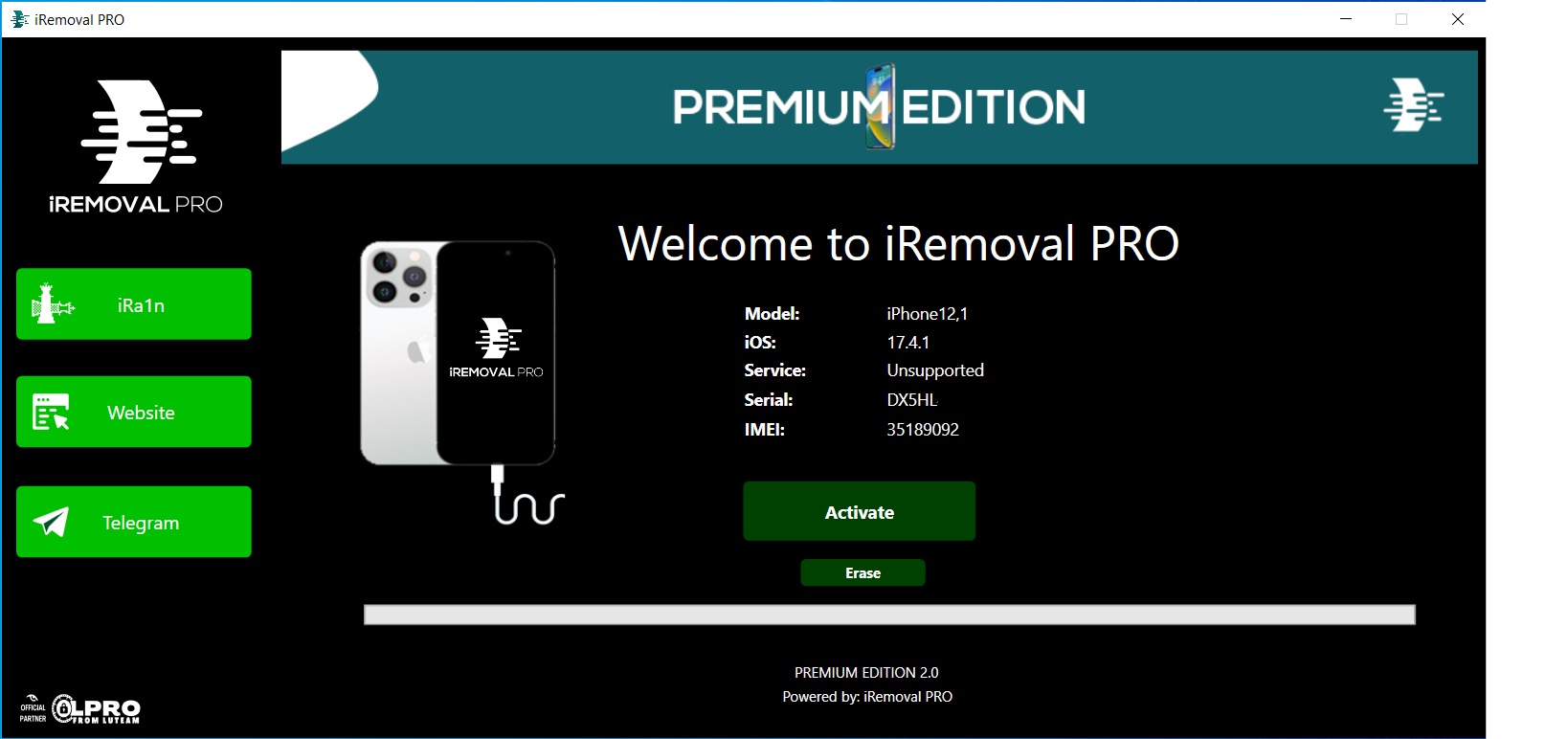
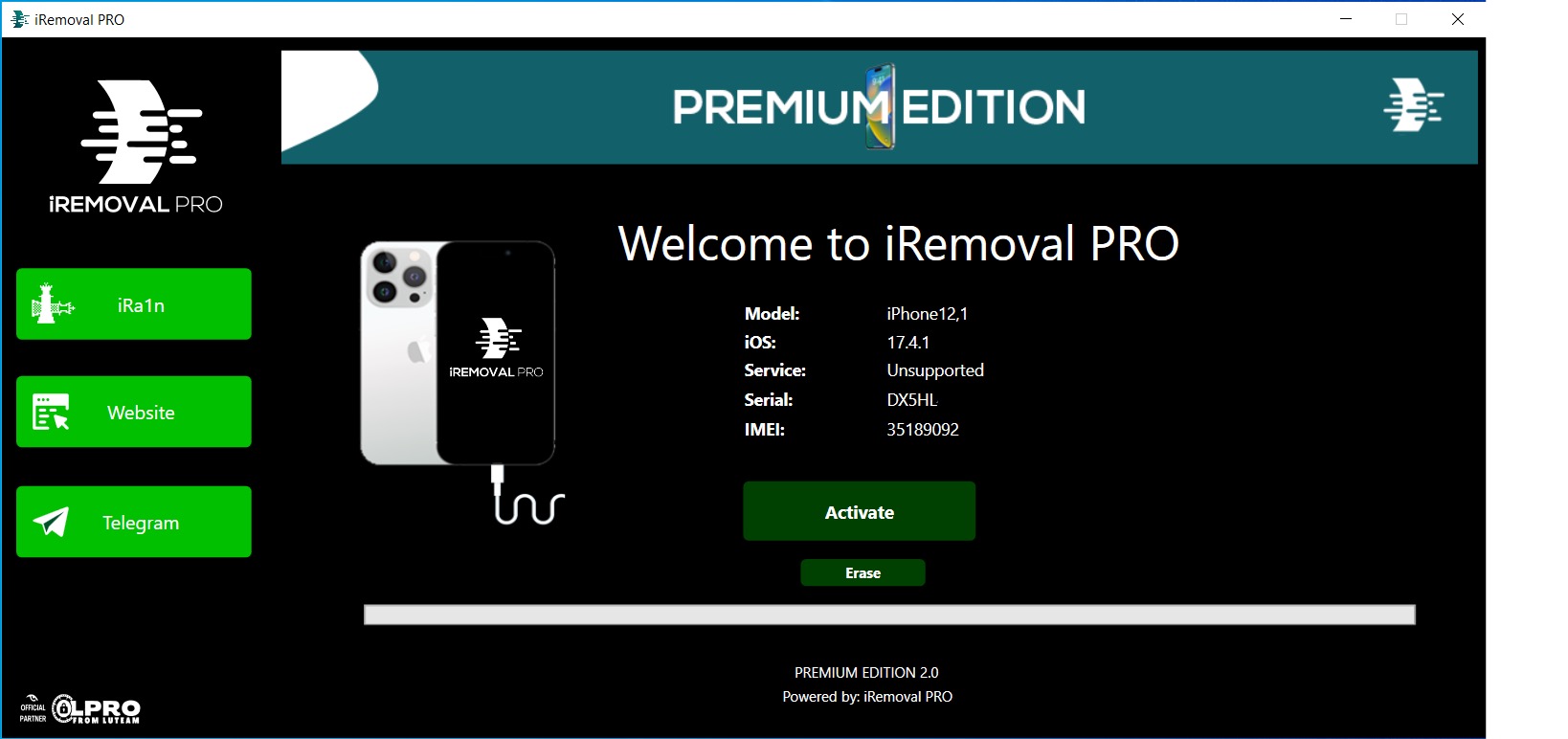
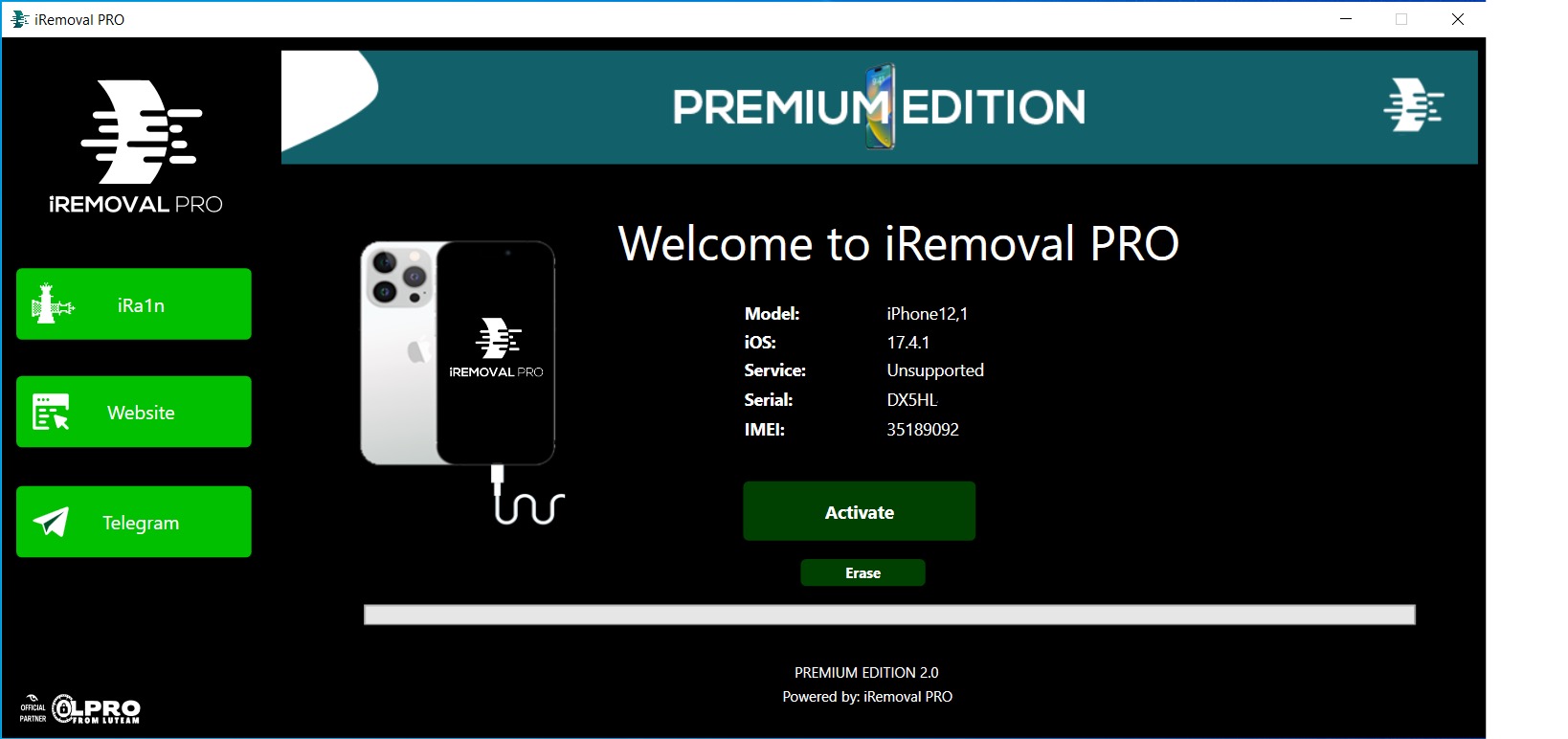
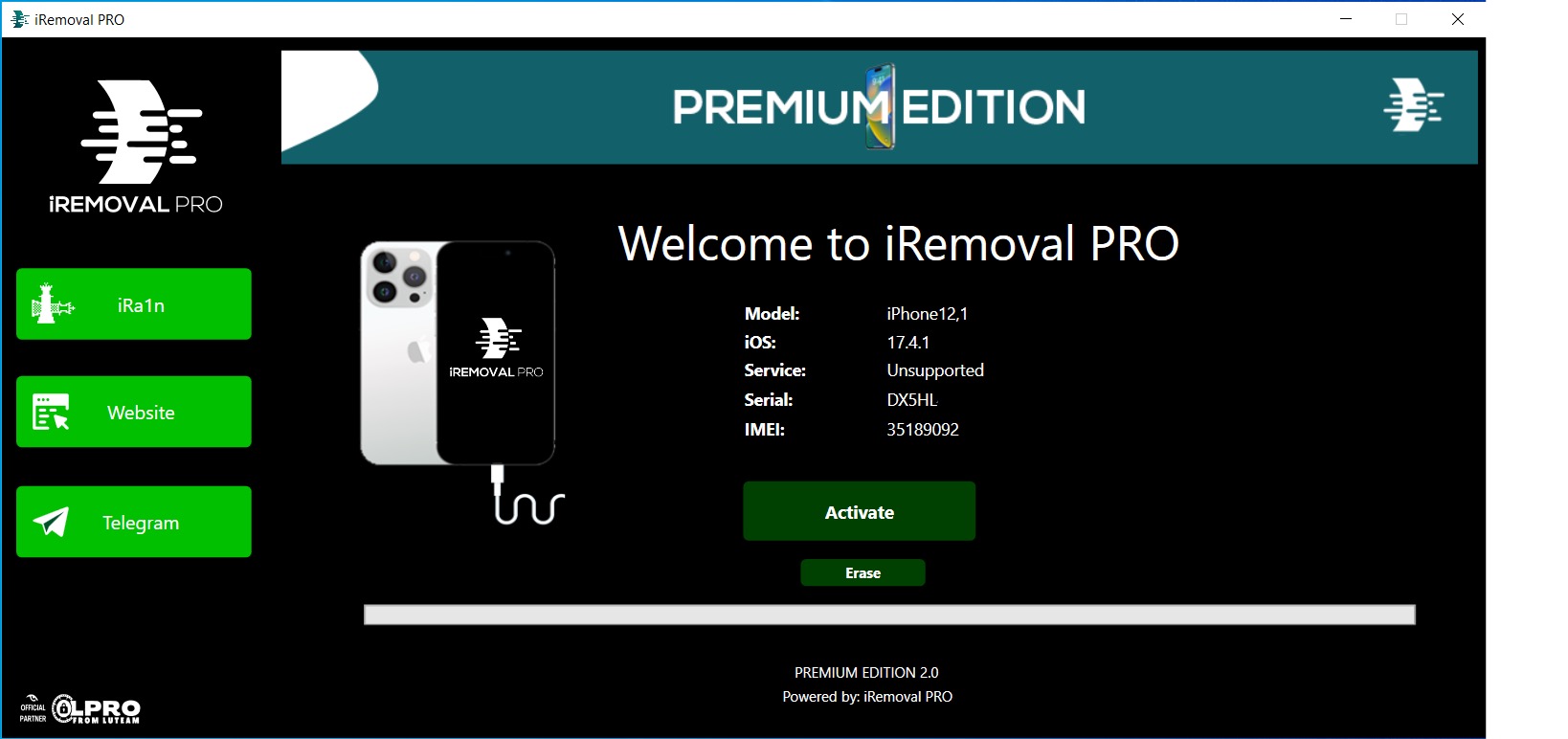
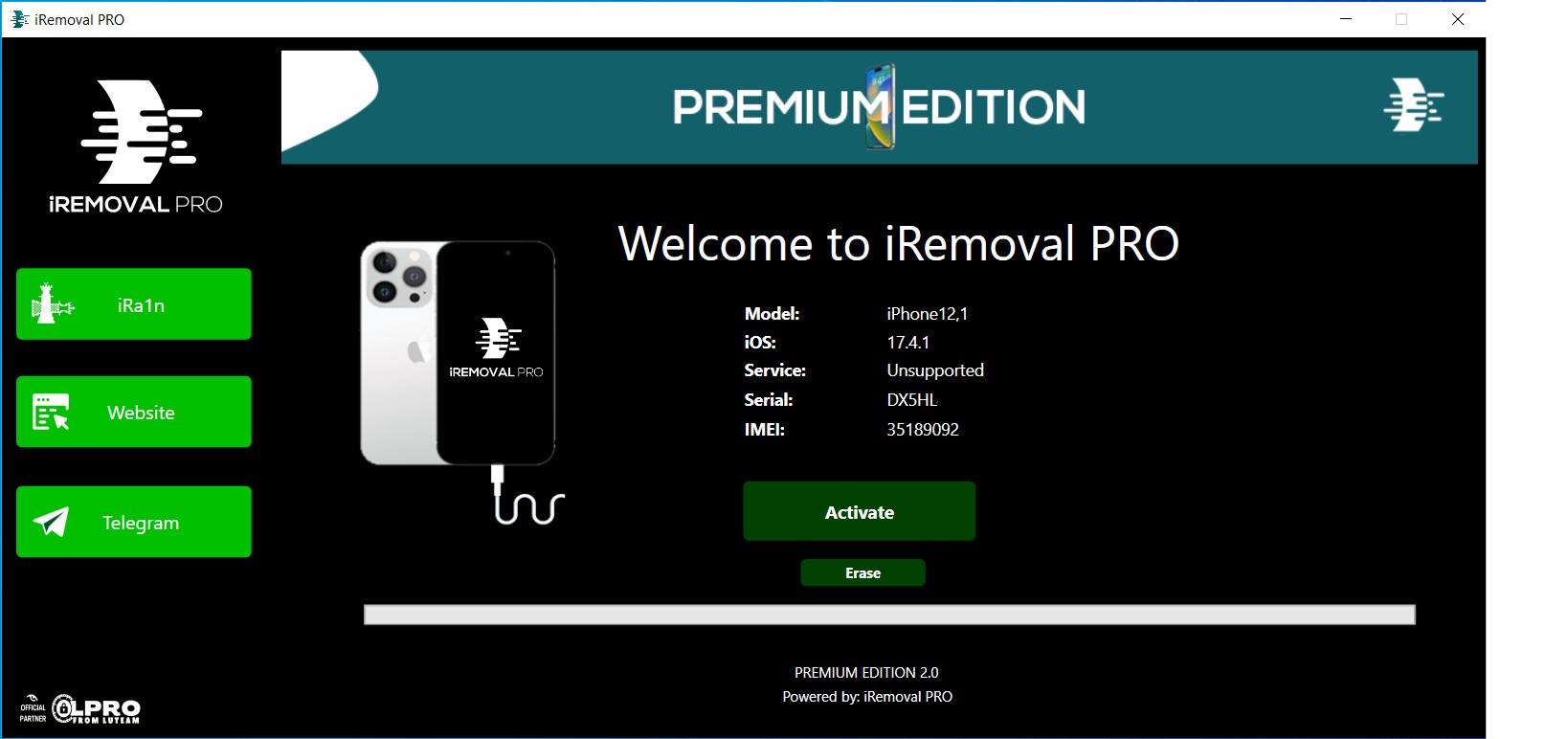
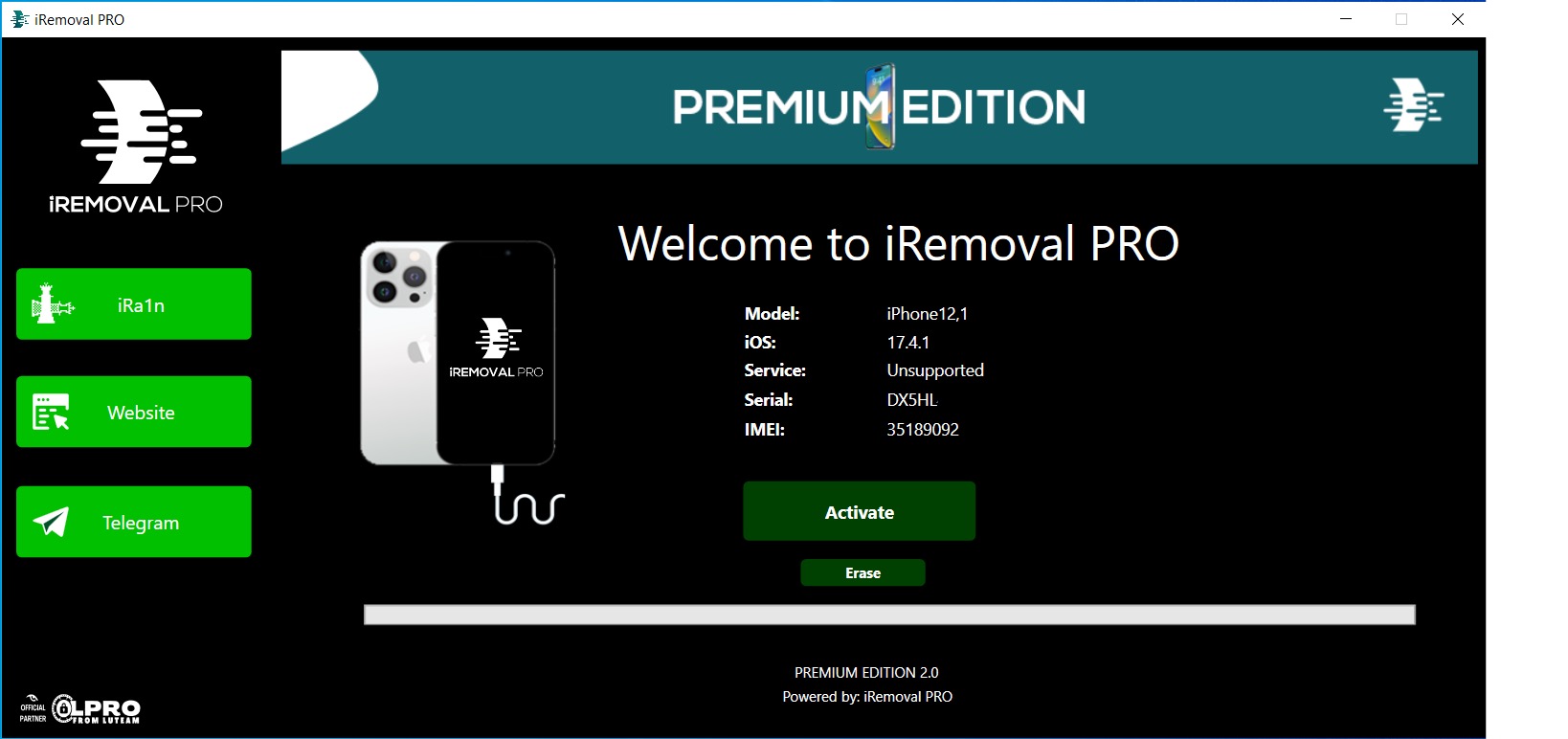
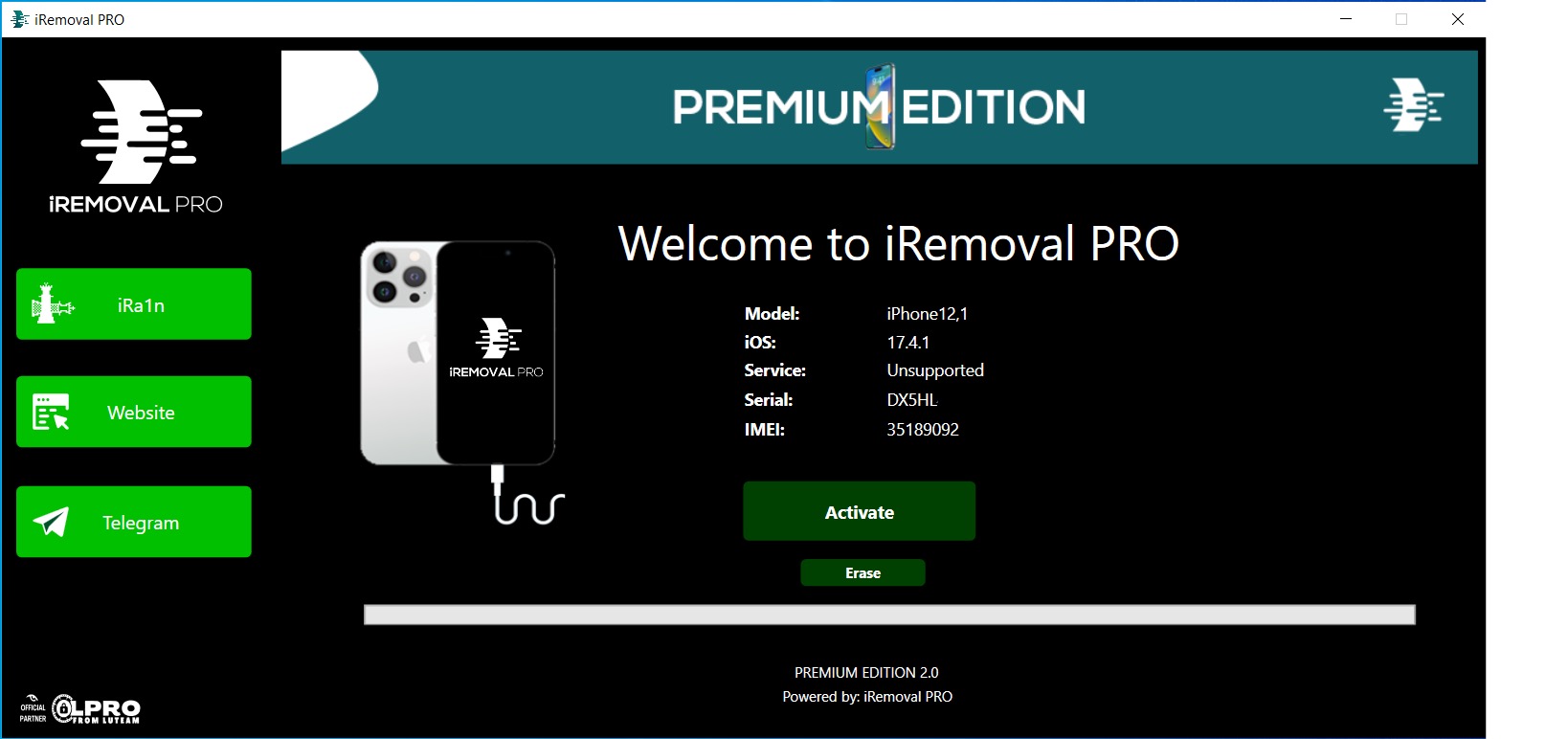
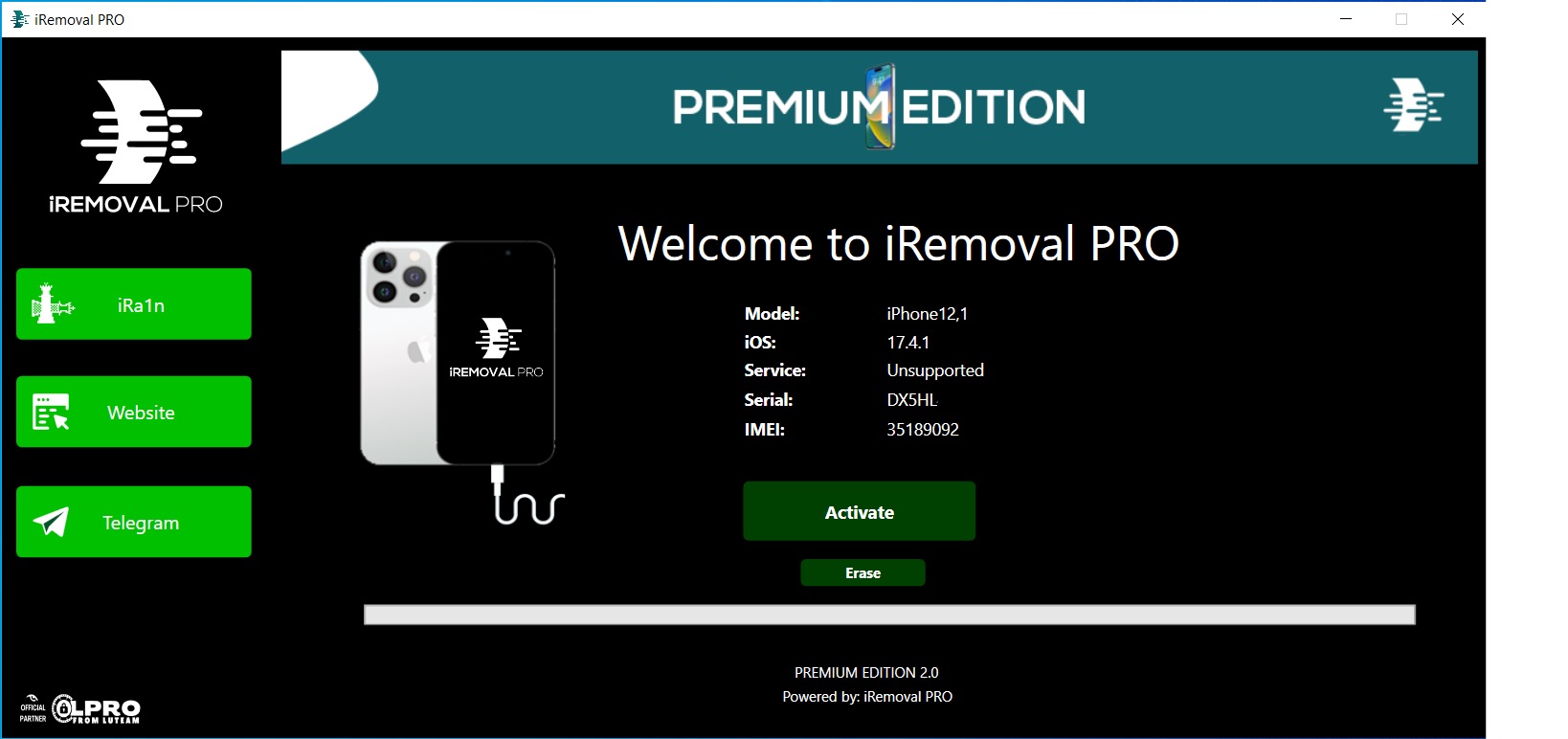
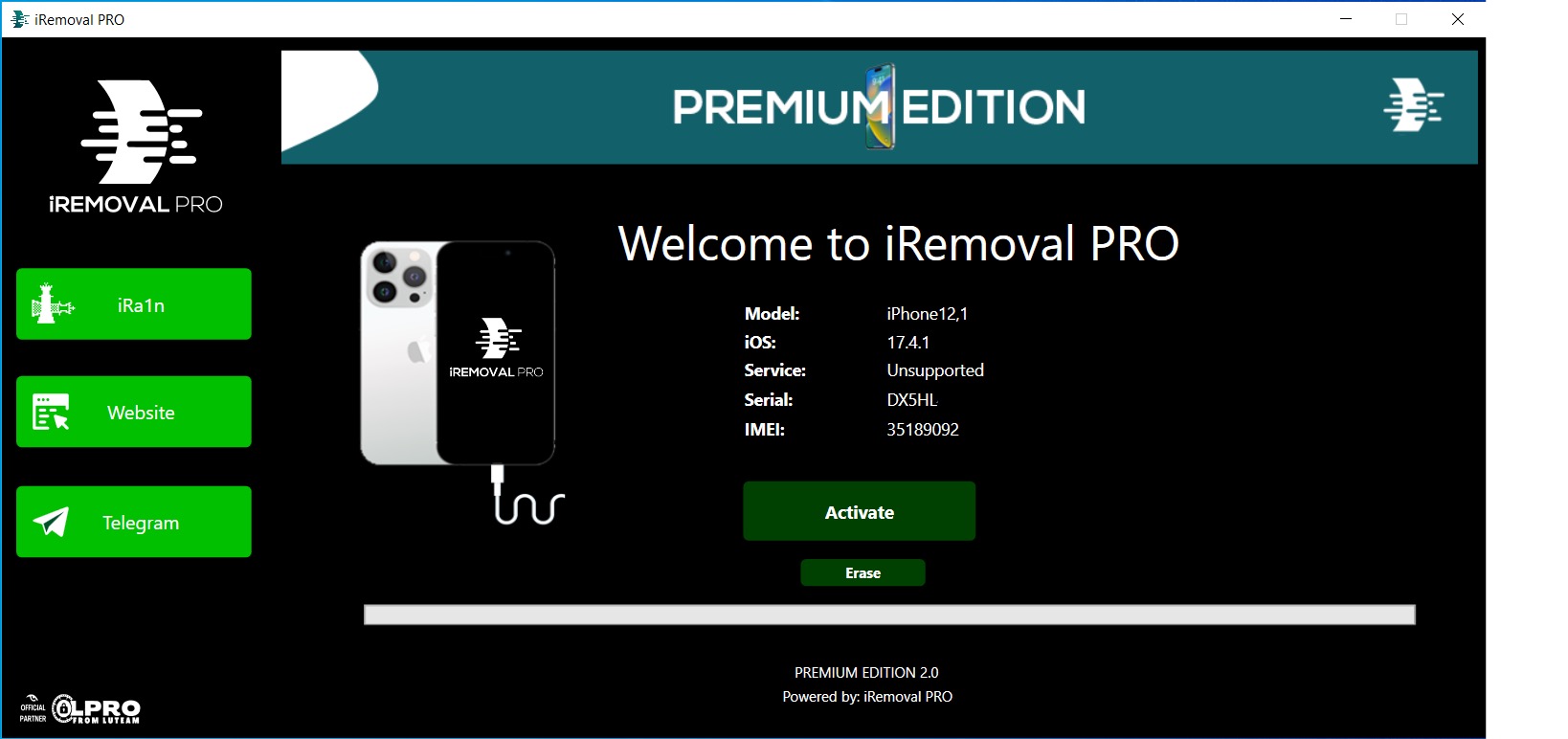
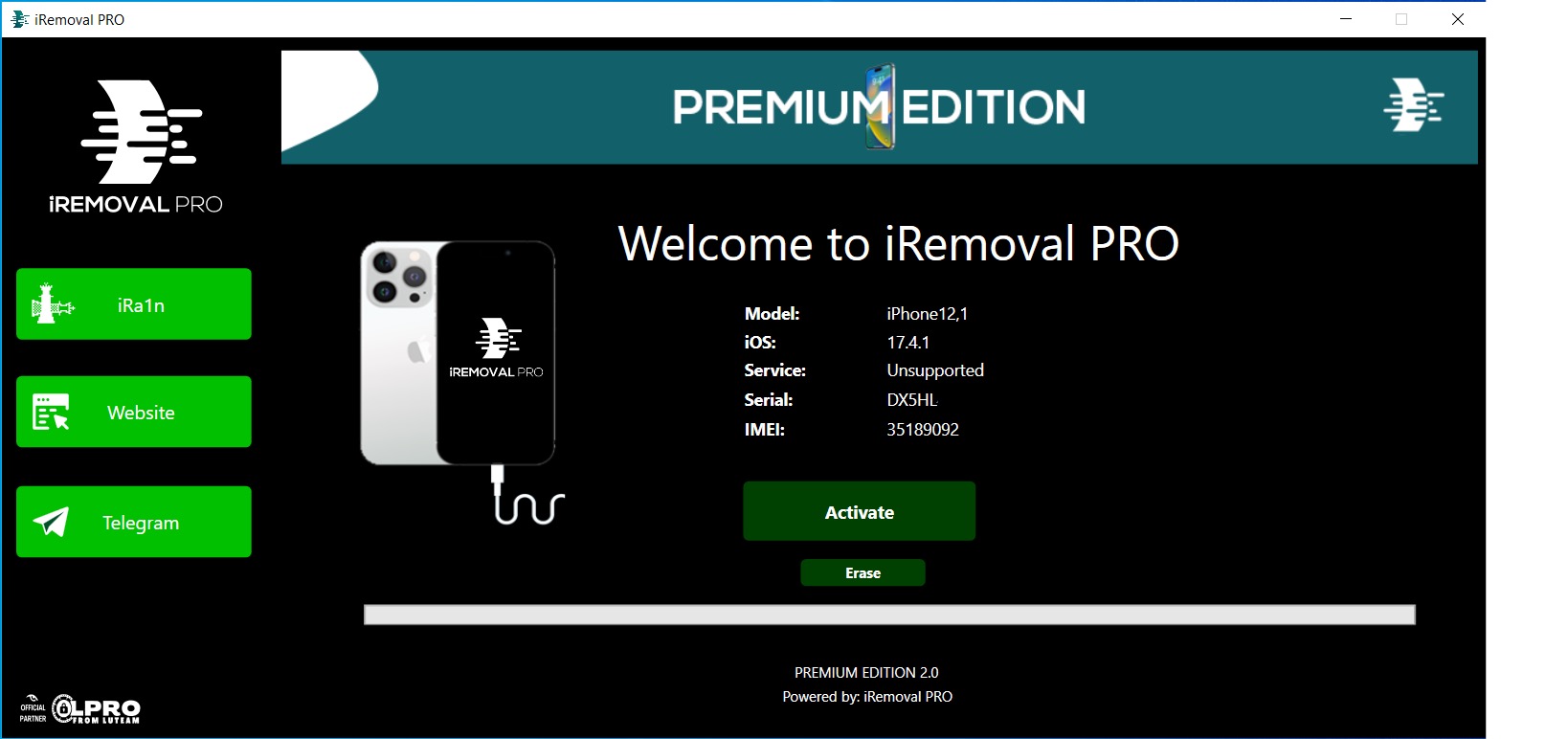
3️⃣ Download and open iRemovaLPro. Wait till the device is detected.
4️⃣ Let Tool Check Your Device and Reply “Device Supported.”. This means your device is supported for bypass.
5️⃣ Now register your serial number with your reseller.
Note: After submission of the serial number, cancellation cannot be done. API Replies Immediately If Your Order Has Been Placed Successfully.
6️⃣ After 3-5days Follow the steps below to get your device bypassed.
No Refund If Delay In Process Strictly. Each and every order is verified and processed. If the delay is due to high volumes only,. Do not request a refund or cancellation.
7️⃣ Connect Device After Successfully Replying from API.
8️⃣ Click Activate > Start Bypass
Note: The device may respring twice. Do not activate power-saving mode at any cost. This may result in an error in the bypass.
9️⃣ Wait Successfully Message. Enjoy Bypass with Signal on A12+ Devices.
NOTE: IF YOU GET AN ERROR IN THE MIDDLE OF THE PROCESS, JUST WAIT THE DEVICE TO RESTART, THEN ONLY CLICK ONE MORE TIME ON ACTIVATE AND WAIT TOOL TO FINISH WITH A SUCCESS POP-UP MESSAGE.
$ 100.00
DELIVERY TIME : 1-10 Minutes
Buy NowiRemoval Pro iPhone 11 Pro [ Hello Bypass ] [ with signal ]
Price
$ 120.00
Delivery Time
|1-10 Minutes
iRemoval Pro iPhone 11 Pro [ Hello Bypass ] [ with signal ]
NO REFUND OR CANCEL AFTER ORDERING
How to Use iRemovaLPro A12+ Bypass:
Note before starting:
✅ Make Sure Your Device is Running iOS 17
✅ Make sure your device is on the Hello Screen.
✅ Make sure you have fast and stable internet.
✅ Make sure you run proper Windows with the latest drivers installed and iTunes and 3uTools installed.
✅ Passcode mode is not supported at the moment.
Features:
✅ OTA Supported for iOS 17.
✅ Fake Erase/Reset Added.
✅ Supports All iOS 15 till 16.6.1
Steps:
1️⃣ Connect Device To WiFi And Make Sure You Are Already On Activation Lock Screen (Ask Email & Password Screen)
2️⃣ Connect Device To PC
3️⃣ Download and open iRemovaLPro. Wait till the device is detected.
4️⃣ Let Tool Check Your Device and Reply “Device Supported.”. This means your device is supported for bypass.
5️⃣ Now register your serial number with your reseller.
Note: After submission of the serial number, cancellation cannot be done. API Replies Immediately If Your Order Has Been Placed Successfully.
6️⃣ After 3-5days Follow the steps below to get your device bypassed.
No Refund If Delay In Process Strictly. Each and every order is verified and processed. If the delay is due to high volumes only,. Do not request a refund or cancellation.
7️⃣ Connect Device After Successfully Replying from API.
8️⃣ Click Activate > Start Bypass
Note: The device may respring twice. Do not activate power-saving mode at any cost. This may result in an error in the bypass.
9️⃣ Wait Successfully Message. Enjoy Bypass with Signal on A12+ Devices.
NOTE: IF YOU GET AN ERROR IN THE MIDDLE OF THE PROCESS, JUST WAIT THE DEVICE TO RESTART, THEN ONLY CLICK ONE MORE TIME ON ACTIVATE AND WAIT TOOL TO FINISH WITH A SUCCESS POP-UP MESSAGE.
$ 120.00
DELIVERY TIME : 1-10 Minutes
Buy NowDelivery Time
|1-10 Minutes
iRemoval Pro iPhone 11 Pro Max [ Hello Bypass ] [ with signal ]
NO REFUND OR CANCEL AFTER ORDERING
How to Use iRemovaLPro A12+ Bypass:
Note before starting:
✅ Make Sure Your Device is Running iOS 17
✅ Make sure your device is on the Hello Screen.
✅ Make sure you have fast and stable internet.
✅ Make sure you run proper Windows with the latest drivers installed and iTunes and 3uTools installed.
✅ Passcode mode is not supported at the moment.
Features:
✅ OTA Supported for iOS 17.
✅ Fake Erase/Reset Added.
✅ Supports All iOS 15 till 16.6.1
Steps:
1️⃣ Connect Device To WiFi And Make Sure You Are Already On Activation Lock Screen (Ask Email & Password Screen)
2️⃣ Connect Device To PC
3️⃣ Download and open iRemovaLPro. Wait till the device is detected.
4️⃣ Let Tool Check Your Device and Reply “Device Supported.”. This means your device is supported for bypass.
5️⃣ Now register your serial number with your reseller.
Note: After submission of the serial number, cancellation cannot be done. API Replies Immediately If Your Order Has Been Placed Successfully.
6️⃣ After 3-5days Follow the steps below to get your device bypassed.
No Refund If Delay In Process Strictly. Each and every order is verified and processed. If the delay is due to high volumes only,. Do not request a refund or cancellation.
7️⃣ Connect Device After Successfully Replying from API.
8️⃣ Click Activate > Start Bypass
Note: The device may respring twice. Do not activate power-saving mode at any cost. This may result in an error in the bypass.
9️⃣ Wait Successfully Message. Enjoy Bypass with Signal on A12+ Devices.
NOTE: IF YOU GET AN ERROR IN THE MIDDLE OF THE PROCESS, JUST WAIT THE DEVICE TO RESTART, THEN ONLY CLICK ONE MORE TIME ON ACTIVATE AND WAIT TOOL TO FINISH WITH A SUCCESS POP-UP MESSAGE.
$ 130.00
DELIVERY TIME : 1-10 Minutes
Buy NowiRemoval Pro iPhone 12 [ Hello Bypass ] [ with signal ]
Price
$ 125.00
Delivery Time
|1-10 Minutes
iRemoval Pro iPhone 12 [ Hello Bypass ] [ with signal ]
NO REFUND OR CANCEL AFTER ORDERING
How to Use iRemovaLPro A12+ Bypass:
Note before starting:
✅ Make Sure Your Device is Running iOS 17
✅ Make sure your device is on the Hello Screen.
✅ Make sure you have fast and stable internet.
✅ Make sure you run proper Windows with the latest drivers installed and iTunes and 3uTools installed.
✅ Passcode mode is not supported at the moment.
Features:
✅ OTA Supported for iOS 17.
✅ Fake Erase/Reset Added.
✅ Supports All iOS 15 till 16.6.1
Steps:
1️⃣ Connect Device To WiFi And Make Sure You Are Already On Activation Lock Screen (Ask Email & Password Screen)
2️⃣ Connect Device To PC
3️⃣ Download and open iRemovaLPro. Wait till the device is detected.
4️⃣ Let Tool Check Your Device and Reply “Device Supported.”. This means your device is supported for bypass.
5️⃣ Now register your serial number with your reseller.
Note: After submission of the serial number, cancellation cannot be done. API Replies Immediately If Your Order Has Been Placed Successfully.
6️⃣ After 3-5days Follow the steps below to get your device bypassed.
No Refund If Delay In Process Strictly. Each and every order is verified and processed. If the delay is due to high volumes only,. Do not request a refund or cancellation.
7️⃣ Connect Device After Successfully Replying from API.
8️⃣ Click Activate > Start Bypass
Note: The device may respring twice. Do not activate power-saving mode at any cost. This may result in an error in the bypass.
9️⃣ Wait Successfully Message. Enjoy Bypass with Signal on A12+ Devices.
NOTE: IF YOU GET AN ERROR IN THE MIDDLE OF THE PROCESS, JUST WAIT THE DEVICE TO RESTART, THEN ONLY CLICK ONE MORE TIME ON ACTIVATE AND WAIT TOOL TO FINISH WITH A SUCCESS POP-UP MESSAGE.
$ 125.00
DELIVERY TIME : 1-10 Minutes
Buy NowiRemoval Pro iPhone 12 Mini [ Hello Bypass ] [ with signal ]
Price
$ 100.00
Delivery Time
|1-10 Minutes
iRemoval Pro iPhone 12 Mini [ Hello Bypass ] [ with signal ]
NO REFUND OR CANCEL AFTER ORDERING
How to Use iRemovaLPro A12+ Bypass:
Note before starting:
✅ Make Sure Your Device is Running iOS 17
✅ Make sure your device is on the Hello Screen.
✅ Make sure you have fast and stable internet.
✅ Make sure you run proper Windows with the latest drivers installed and iTunes and 3uTools installed.
✅ Passcode mode is not supported at the moment.
Features:
✅ OTA Supported for iOS 17.
✅ Fake Erase/Reset Added.
✅ Supports All iOS 15 till 16.6.1
Steps:
1️⃣ Connect Device To WiFi And Make Sure You Are Already On Activation Lock Screen (Ask Email & Password Screen)
2️⃣ Connect Device To PC
3️⃣ Download and open iRemovaLPro. Wait till the device is detected.
4️⃣ Let Tool Check Your Device and Reply “Device Supported.”. This means your device is supported for bypass.
5️⃣ Now register your serial number with your reseller.
Note: After submission of the serial number, cancellation cannot be done. API Replies Immediately If Your Order Has Been Placed Successfully.
6️⃣ After 3-5days Follow the steps below to get your device bypassed.
No Refund If Delay In Process Strictly. Each and every order is verified and processed. If the delay is due to high volumes only,. Do not request a refund or cancellation.
7️⃣ Connect Device After Successfully Replying from API.
8️⃣ Click Activate > Start Bypass
Note: The device may respring twice. Do not activate power-saving mode at any cost. This may result in an error in the bypass.
9️⃣ Wait Successfully Message. Enjoy Bypass with Signal on A12+ Devices.
NOTE: IF YOU GET AN ERROR IN THE MIDDLE OF THE PROCESS, JUST WAIT THE DEVICE TO RESTART, THEN ONLY CLICK ONE MORE TIME ON ACTIVATE AND WAIT TOOL TO FINISH WITH A SUCCESS POP-UP MESSAGE.
$ 100.00
DELIVERY TIME : 1-10 Minutes
Buy NowiRemoval Pro iPhone 12 Pro [ Hello Bypass ] [ with signal ]
Price
$ 140.00
Delivery Time
|1-10 Minutes
iRemoval Pro iPhone 12 Pro [ Hello Bypass ] [ with signal ]
NO REFUND OR CANCEL AFTER ORDERING
How to Use iRemovaLPro A12+ Bypass:
Note before starting:
✅ Make Sure Your Device is Running iOS 17
✅ Make sure your device is on the Hello Screen.
✅ Make sure you have fast and stable internet.
✅ Make sure you run proper Windows with the latest drivers installed and iTunes and 3uTools installed.
✅ Passcode mode is not supported at the moment.
Features:
✅ OTA Supported for iOS 17.
✅ Fake Erase/Reset Added.
✅ Supports All iOS 15 till 16.6.1
Steps:
1️⃣ Connect Device To WiFi And Make Sure You Are Already On Activation Lock Screen (Ask Email & Password Screen)
2️⃣ Connect Device To PC
3️⃣ Download and open iRemovaLPro. Wait till the device is detected.
4️⃣ Let Tool Check Your Device and Reply “Device Supported.”. This means your device is supported for bypass.
5️⃣ Now register your serial number with your reseller.
Note: After submission of the serial number, cancellation cannot be done. API Replies Immediately If Your Order Has Been Placed Successfully.
6️⃣ After 3-5days Follow the steps below to get your device bypassed.
No Refund If Delay In Process Strictly. Each and every order is verified and processed. If the delay is due to high volumes only,. Do not request a refund or cancellation.
7️⃣ Connect Device After Successfully Replying from API.
8️⃣ Click Activate > Start Bypass
Note: The device may respring twice. Do not activate power-saving mode at any cost. This may result in an error in the bypass.
9️⃣ Wait Successfully Message. Enjoy Bypass with Signal on A12+ Devices.
NOTE: IF YOU GET AN ERROR IN THE MIDDLE OF THE PROCESS, JUST WAIT THE DEVICE TO RESTART, THEN ONLY CLICK ONE MORE TIME ON ACTIVATE AND WAIT TOOL TO FINISH WITH A SUCCESS POP-UP MESSAGE.
$ 140.00
DELIVERY TIME : 1-10 Minutes
Buy NowDelivery Time
|1-10 Minutes
iRemoval Pro iPhone 12 Pro Max [ Hello Bypass ] [ with signal ]
NO REFUND OR CANCEL AFTER ORDERING
How to Use iRemovaLPro A12+ Bypass:
Note before starting:
✅ Make Sure Your Device is Running iOS 17
✅ Make sure your device is on the Hello Screen.
✅ Make sure you have fast and stable internet.
✅ Make sure you run proper Windows with the latest drivers installed and iTunes and 3uTools installed.
✅ Passcode mode is not supported at the moment.
Features:
✅ OTA Supported for iOS 17.
✅ Fake Erase/Reset Added.
✅ Supports All iOS 15 till 16.6.1
Steps:
1️⃣ Connect Device To WiFi And Make Sure You Are Already On Activation Lock Screen (Ask Email & Password Screen)
2️⃣ Connect Device To PC
3️⃣ Download and open iRemovaLPro. Wait till the device is detected.
4️⃣ Let Tool Check Your Device and Reply “Device Supported.”. This means your device is supported for bypass.
5️⃣ Now register your serial number with your reseller.
Note: After submission of the serial number, cancellation cannot be done. API Replies Immediately If Your Order Has Been Placed Successfully.
6️⃣ After 3-5days Follow the steps below to get your device bypassed.
No Refund If Delay In Process Strictly. Each and every order is verified and processed. If the delay is due to high volumes only,. Do not request a refund or cancellation.
7️⃣ Connect Device After Successfully Replying from API.
8️⃣ Click Activate > Start Bypass
Note: The device may respring twice. Do not activate power-saving mode at any cost. This may result in an error in the bypass.
9️⃣ Wait Successfully Message. Enjoy Bypass with Signal on A12+ Devices.
NOTE: IF YOU GET AN ERROR IN THE MIDDLE OF THE PROCESS, JUST WAIT THE DEVICE TO RESTART, THEN ONLY CLICK ONE MORE TIME ON ACTIVATE AND WAIT TOOL TO FINISH WITH A SUCCESS POP-UP MESSAGE.
$ 150.00
DELIVERY TIME : 1-10 Minutes
Buy NowiRemoval Pro iPhone 13 [ Hello Bypass ] [ with signal ]
Price
$ 165.00
Delivery Time
|1-10 Minutes
iRemoval Pro iPhone 13 [ Hello Bypass ] [ with signal ]
NO REFUND OR CANCEL AFTER ORDERING
How to Use iRemovaLPro A12+ Bypass:
Note before starting:
✅ Make Sure Your Device is Running iOS 17
✅ Make sure your device is on the Hello Screen.
✅ Make sure you have fast and stable internet.
✅ Make sure you run proper Windows with the latest drivers installed and iTunes and 3uTools installed.
✅ Passcode mode is not supported at the moment.
Features:
✅ OTA Supported for iOS 17.
✅ Fake Erase/Reset Added.
✅ Supports All iOS 15 till 16.6.1
Steps:
1️⃣ Connect Device To WiFi And Make Sure You Are Already On Activation Lock Screen (Ask Email & Password Screen)
2️⃣ Connect Device To PC
3️⃣ Download and open iRemovaLPro. Wait till the device is detected.
4️⃣ Let Tool Check Your Device and Reply “Device Supported.”. This means your device is supported for bypass.
5️⃣ Now register your serial number with your reseller.
Note: After submission of the serial number, cancellation cannot be done. API Replies Immediately If Your Order Has Been Placed Successfully.
6️⃣ After 3-5days Follow the steps below to get your device bypassed.
No Refund If Delay In Process Strictly. Each and every order is verified and processed. If the delay is due to high volumes only,. Do not request a refund or cancellation.
7️⃣ Connect Device After Successfully Replying from API.
8️⃣ Click Activate > Start Bypass
Note: The device may respring twice. Do not activate power-saving mode at any cost. This may result in an error in the bypass.
9️⃣ Wait Successfully Message. Enjoy Bypass with Signal on A12+ Devices.
NOTE: IF YOU GET AN ERROR IN THE MIDDLE OF THE PROCESS, JUST WAIT THE DEVICE TO RESTART, THEN ONLY CLICK ONE MORE TIME ON ACTIVATE AND WAIT TOOL TO FINISH WITH A SUCCESS POP-UP MESSAGE.
$ 165.00
DELIVERY TIME : 1-10 Minutes
Buy NowiRemoval Pro iPhone 13 Mini [ Hello Bypass ] [ with signal ]
Price
$ 120.00
Delivery Time
|1-10 Minutes
iRemoval Pro iPhone 13 Mini [ Hello Bypass ] [ with signal ]
NO REFUND OR CANCEL AFTER ORDERING
How to Use iRemovaLPro A12+ Bypass:
Note before starting:
✅ Make Sure Your Device is Running iOS 17
✅ Make sure your device is on the Hello Screen.
✅ Make sure you have fast and stable internet.
✅ Make sure you run proper Windows with the latest drivers installed and iTunes and 3uTools installed.
✅ Passcode mode is not supported at the moment.
Features:
✅ OTA Supported for iOS 17.
✅ Fake Erase/Reset Added.
✅ Supports All iOS 15 till 16.6.1
Steps:
1️⃣ Connect Device To WiFi And Make Sure You Are Already On Activation Lock Screen (Ask Email & Password Screen)
2️⃣ Connect Device To PC
3️⃣ Download and open iRemovaLPro. Wait till the device is detected.
4️⃣ Let Tool Check Your Device and Reply “Device Supported.”. This means your device is supported for bypass.
5️⃣ Now register your serial number with your reseller.
Note: After submission of the serial number, cancellation cannot be done. API Replies Immediately If Your Order Has Been Placed Successfully.
6️⃣ After 3-5days Follow the steps below to get your device bypassed.
No Refund If Delay In Process Strictly. Each and every order is verified and processed. If the delay is due to high volumes only,. Do not request a refund or cancellation.
7️⃣ Connect Device After Successfully Replying from API.
8️⃣ Click Activate > Start Bypass
Note: The device may respring twice. Do not activate power-saving mode at any cost. This may result in an error in the bypass.
9️⃣ Wait Successfully Message. Enjoy Bypass with Signal on A12+ Devices.
NOTE: IF YOU GET AN ERROR IN THE MIDDLE OF THE PROCESS, JUST WAIT THE DEVICE TO RESTART, THEN ONLY CLICK ONE MORE TIME ON ACTIVATE AND WAIT TOOL TO FINISH WITH A SUCCESS POP-UP MESSAGE.
$ 120.00
DELIVERY TIME : 1-10 Minutes
Buy NowiRemoval Pro iPhone 13 Pro [ Hello Bypass ] [ with signal ]
Price
$ 175.00
Delivery Time
|1-10 Minutes
iRemoval Pro iPhone 13 Pro [ Hello Bypass ] [ with signal ]
NO REFUND OR CANCEL AFTER ORDERING
How to Use iRemovaLPro A12+ Bypass:
Note before starting:
✅ Make Sure Your Device is Running iOS 17
✅ Make sure your device is on the Hello Screen.
✅ Make sure you have fast and stable internet.
✅ Make sure you run proper Windows with the latest drivers installed and iTunes and 3uTools installed.
✅ Passcode mode is not supported at the moment.
Features:
✅ OTA Supported for iOS 17.
✅ Fake Erase/Reset Added.
✅ Supports All iOS 15 till 16.6.1
Steps:
1️⃣ Connect Device To WiFi And Make Sure You Are Already On Activation Lock Screen (Ask Email & Password Screen)
2️⃣ Connect Device To PC
3️⃣ Download and open iRemovaLPro. Wait till the device is detected.
4️⃣ Let Tool Check Your Device and Reply “Device Supported.”. This means your device is supported for bypass.
5️⃣ Now register your serial number with your reseller.
Note: After submission of the serial number, cancellation cannot be done. API Replies Immediately If Your Order Has Been Placed Successfully.
6️⃣ After 3-5days Follow the steps below to get your device bypassed.
No Refund If Delay In Process Strictly. Each and every order is verified and processed. If the delay is due to high volumes only,. Do not request a refund or cancellation.
7️⃣ Connect Device After Successfully Replying from API.
8️⃣ Click Activate > Start Bypass
Note: The device may respring twice. Do not activate power-saving mode at any cost. This may result in an error in the bypass.
9️⃣ Wait Successfully Message. Enjoy Bypass with Signal on A12+ Devices.
NOTE: IF YOU GET AN ERROR IN THE MIDDLE OF THE PROCESS, JUST WAIT THE DEVICE TO RESTART, THEN ONLY CLICK ONE MORE TIME ON ACTIVATE AND WAIT TOOL TO FINISH WITH A SUCCESS POP-UP MESSAGE.
$ 175.00
DELIVERY TIME : 1-10 Minutes
Buy NowDelivery Time
|1-10 Minutes
iRemoval Pro iPhone 13 Pro Max [ Hello Bypass ] [ with signal ]
NO REFUND OR CANCEL AFTER ORDERING
How to Use iRemovaLPro A12+ Bypass:
Note before starting:
✅ Make Sure Your Device is Running iOS 17
✅ Make sure your device is on the Hello Screen.
✅ Make sure you have fast and stable internet.
✅ Make sure you run proper Windows with the latest drivers installed and iTunes and 3uTools installed.
✅ Passcode mode is not supported at the moment.
Features:
✅ OTA Supported for iOS 17.
✅ Fake Erase/Reset Added.
✅ Supports All iOS 15 till 16.6.1
Steps:
1️⃣ Connect Device To WiFi And Make Sure You Are Already On Activation Lock Screen (Ask Email & Password Screen)
2️⃣ Connect Device To PC
3️⃣ Download and open iRemovaLPro. Wait till the device is detected.
4️⃣ Let Tool Check Your Device and Reply “Device Supported.”. This means your device is supported for bypass.
5️⃣ Now register your serial number with your reseller.
Note: After submission of the serial number, cancellation cannot be done. API Replies Immediately If Your Order Has Been Placed Successfully.
6️⃣ After 3-5days Follow the steps below to get your device bypassed.
No Refund If Delay In Process Strictly. Each and every order is verified and processed. If the delay is due to high volumes only,. Do not request a refund or cancellation.
7️⃣ Connect Device After Successfully Replying from API.
8️⃣ Click Activate > Start Bypass
Note: The device may respring twice. Do not activate power-saving mode at any cost. This may result in an error in the bypass.
9️⃣ Wait Successfully Message. Enjoy Bypass with Signal on A12+ Devices.
NOTE: IF YOU GET AN ERROR IN THE MIDDLE OF THE PROCESS, JUST WAIT THE DEVICE TO RESTART, THEN ONLY CLICK ONE MORE TIME ON ACTIVATE AND WAIT TOOL TO FINISH WITH A SUCCESS POP-UP MESSAGE.
$ 195.00
DELIVERY TIME : 1-10 Minutes
Buy NowDelivery Time
|1-10 Minutes
iRemoval Pro iPhone 14 [ Hello Bypass ] [ with signal ] [ iOS 15 - 16.6.1 ]
NO REFUND OR CANCEL AFTER ORDERING
How to Use iRemovaLPro A12+ Bypass:
Note before starting:
✅ Make Sure Your Device is Running iOS 15 - 16.6.1
✅ Make sure your device is on the Hello Screen.
✅ Make sure you have fast and stable internet.
✅ Make sure you run proper Windows with the latest drivers installed and iTunes and 3uTools installed.
✅ Passcode mode is not supported at the moment.
Features:
✅ OTA Supported for iOS 17.
✅ Fake Erase/Reset Added.
✅ Supports All iOS 15 till 16.6.1
Steps:
1️⃣ Connect Device To WiFi And Make Sure You Are Already On Activation Lock Screen (Ask Email & Password Screen)
2️⃣ Connect Device To PC
3️⃣ Download and open iRemovaLPro. Wait till the device is detected.
4️⃣ Let Tool Check Your Device and Reply “Device Supported.”. This means your device is supported for bypass.
5️⃣ Now register your serial number with your reseller.
Note: After submission of the serial number, cancellation cannot be done. API Replies Immediately If Your Order Has Been Placed Successfully.
6️⃣ After 3-5days Follow the steps below to get your device bypassed.
No Refund If Delay In Process Strictly. Each and every order is verified and processed. If the delay is due to high volumes only,. Do not request a refund or cancellation.
7️⃣ Connect Device After Successfully Replying from API.
8️⃣ Click Activate > Start Bypass
Note: The device may respring twice. Do not activate power-saving mode at any cost. This may result in an error in the bypass.
9️⃣ Wait Successfully Message. Enjoy Bypass with Signal on A12+ Devices.
NOTE: IF YOU GET AN ERROR IN THE MIDDLE OF THE PROCESS, JUST WAIT THE DEVICE TO RESTART, THEN ONLY CLICK ONE MORE TIME ON ACTIVATE AND WAIT TOOL TO FINISH WITH A SUCCESS POP-UP MESSAGE.
$ 185.00
DELIVERY TIME : 1-10 Minutes
Buy NowDelivery Time
|1-10 Minutes
iRemoval Pro iPhone 14 Plus [ Hello Bypass ] [ with signal ] [ iOS 15 - 16.6.1 ]
NO REFUND OR CANCEL AFTER ORDERING
How to Use iRemovaLPro A12+ Bypass:
Note before starting:
✅ Make Sure Your Device is Running iOS 15 - 16.6.1
✅ Make sure your device is on the Hello Screen.
✅ Make sure you have fast and stable internet.
✅ Make sure you run proper Windows with the latest drivers installed and iTunes and 3uTools installed.
✅ Passcode mode is not supported at the moment.
Features:
✅ OTA Supported for iOS 17.
✅ Fake Erase/Reset Added.
✅ Supports All iOS 15 till 16.6.1
Steps:
1️⃣ Connect Device To WiFi And Make Sure You Are Already On Activation Lock Screen (Ask Email & Password Screen)
2️⃣ Connect Device To PC
3️⃣ Download and open iRemovaLPro. Wait till the device is detected.
4️⃣ Let Tool Check Your Device and Reply “Device Supported.”. This means your device is supported for bypass.
5️⃣ Now register your serial number with your reseller.
Note: After submission of the serial number, cancellation cannot be done. API Replies Immediately If Your Order Has Been Placed Successfully.
6️⃣ After 3-5days Follow the steps below to get your device bypassed.
No Refund If Delay In Process Strictly. Each and every order is verified and processed. If the delay is due to high volumes only,. Do not request a refund or cancellation.
7️⃣ Connect Device After Successfully Replying from API.
8️⃣ Click Activate > Start Bypass
Note: The device may respring twice. Do not activate power-saving mode at any cost. This may result in an error in the bypass.
9️⃣ Wait Successfully Message. Enjoy Bypass with Signal on A12+ Devices.
NOTE: IF YOU GET AN ERROR IN THE MIDDLE OF THE PROCESS, JUST WAIT THE DEVICE TO RESTART, THEN ONLY CLICK ONE MORE TIME ON ACTIVATE AND WAIT TOOL TO FINISH WITH A SUCCESS POP-UP MESSAGE.
$ 190.00
DELIVERY TIME : 1-10 Minutes
Buy NowDelivery Time
|1-10 Minutes
iRemoval Pro iPhone 14 Pro [ Hello Bypass ] [ with signal ] [ iOS 15 - 16.6.1 ]
NO REFUND OR CANCEL AFTER ORDERING
How to Use iRemovaLPro A12+ Bypass:
Note before starting:
✅ Make Sure Your Device is Running iOS 15 - 16.6.1
✅ Make sure your device is on the Hello Screen.
✅ Make sure you have fast and stable internet.
✅ Make sure you run proper Windows with the latest drivers installed and iTunes and 3uTools installed.
✅ Passcode mode is not supported at the moment.
Features:
✅ OTA Supported for iOS 17.
✅ Fake Erase/Reset Added.
✅ Supports All iOS 15 till 16.6.1
Steps:
1️⃣ Connect Device To WiFi And Make Sure You Are Already On Activation Lock Screen (Ask Email & Password Screen)
2️⃣ Connect Device To PC
3️⃣ Download and open iRemovaLPro. Wait till the device is detected.
4️⃣ Let Tool Check Your Device and Reply “Device Supported.”. This means your device is supported for bypass.
5️⃣ Now register your serial number with your reseller.
Note: After submission of the serial number, cancellation cannot be done. API Replies Immediately If Your Order Has Been Placed Successfully.
6️⃣ After 3-5days Follow the steps below to get your device bypassed.
No Refund If Delay In Process Strictly. Each and every order is verified and processed. If the delay is due to high volumes only,. Do not request a refund or cancellation.
7️⃣ Connect Device After Successfully Replying from API.
8️⃣ Click Activate > Start Bypass
Note: The device may respring twice. Do not activate power-saving mode at any cost. This may result in an error in the bypass.
9️⃣ Wait Successfully Message. Enjoy Bypass with Signal on A12+ Devices.
NOTE: IF YOU GET AN ERROR IN THE MIDDLE OF THE PROCESS, JUST WAIT THE DEVICE TO RESTART, THEN ONLY CLICK ONE MORE TIME ON ACTIVATE AND WAIT TOOL TO FINISH WITH A SUCCESS POP-UP MESSAGE.
$ 205.00
DELIVERY TIME : 1-10 Minutes
Buy NowDelivery Time
|1-10 Minutes
iRemoval Pro iPhone 14 Pro Max [ Hello Bypass ] [ with signal ] [ iOS 15 - 16.6.1 ]
NO REFUND OR CANCEL AFTER ORDERING
How to Use iRemovaLPro A12+ Bypass:
Note before starting:
✅ Make Sure Your Device is Running iOS 15 - 16.6.1
✅ Make sure your device is on the Hello Screen.
✅ Make sure you have fast and stable internet.
✅ Make sure you run proper Windows with the latest drivers installed and iTunes and 3uTools installed.
✅ Passcode mode is not supported at the moment.
Features:
✅ OTA Supported for iOS 17.
✅ Fake Erase/Reset Added.
✅ Supports All iOS 15 till 16.6.1
Steps:
1️⃣ Connect Device To WiFi And Make Sure You Are Already On Activation Lock Screen (Ask Email & Password Screen)
2️⃣ Connect Device To PC
3️⃣ Download and open iRemovaLPro. Wait till the device is detected.
4️⃣ Let Tool Check Your Device and Reply “Device Supported.”. This means your device is supported for bypass.
5️⃣ Now register your serial number with your reseller.
Note: After submission of the serial number, cancellation cannot be done. API Replies Immediately If Your Order Has Been Placed Successfully.
6️⃣ After 3-5days Follow the steps below to get your device bypassed.
No Refund If Delay In Process Strictly. Each and every order is verified and processed. If the delay is due to high volumes only,. Do not request a refund or cancellation.
7️⃣ Connect Device After Successfully Replying from API.
8️⃣ Click Activate > Start Bypass
Note: The device may respring twice. Do not activate power-saving mode at any cost. This may result in an error in the bypass.
9️⃣ Wait Successfully Message. Enjoy Bypass with Signal on A12+ Devices.
NOTE: IF YOU GET AN ERROR IN THE MIDDLE OF THE PROCESS, JUST WAIT THE DEVICE TO RESTART, THEN ONLY CLICK ONE MORE TIME ON ACTIVATE AND WAIT TOOL TO FINISH WITH A SUCCESS POP-UP MESSAGE.
$ 215.00
DELIVERY TIME : 1-10 Minutes
Buy NowDelivery Time
|1-10 Minutes
iRemoval Pro iPhone SE 2nd Gen [ Hello Bypass ] [ with signal ]
NO REFUND OR CANCEL AFTER ORDERING
How to Use iRemovaLPro A12+ Bypass:
Note before starting:
✅ Make Sure Your Device is Running iOS 17
✅ Make sure your device is on the Hello Screen.
✅ Make sure you have fast and stable internet.
✅ Make sure you run proper Windows with the latest drivers installed and iTunes and 3uTools installed.
✅ Passcode mode is not supported at the moment.
Features:
✅ OTA Supported for iOS 17.
✅ Fake Erase/Reset Added.
✅ Supports All iOS 15 till 16.6.1
Steps:
1️⃣ Connect Device To WiFi And Make Sure You Are Already On Activation Lock Screen (Ask Email & Password Screen)
2️⃣ Connect Device To PC
3️⃣ Download and open iRemovaLPro. Wait till the device is detected.
4️⃣ Let Tool Check Your Device and Reply “Device Supported.”. This means your device is supported for bypass.
5️⃣ Now register your serial number with your reseller.
Note: After submission of the serial number, cancellation cannot be done. API Replies Immediately If Your Order Has Been Placed Successfully.
6️⃣ After 3-5days Follow the steps below to get your device bypassed.
No Refund If Delay In Process Strictly. Each and every order is verified and processed. If the delay is due to high volumes only,. Do not request a refund or cancellation.
7️⃣ Connect Device After Successfully Replying from API.
8️⃣ Click Activate > Start Bypass
Note: The device may respring twice. Do not activate power-saving mode at any cost. This may result in an error in the bypass.
9️⃣ Wait Successfully Message. Enjoy Bypass with Signal on A12+ Devices.
NOTE: IF YOU GET AN ERROR IN THE MIDDLE OF THE PROCESS, JUST WAIT THE DEVICE TO RESTART, THEN ONLY CLICK ONE MORE TIME ON ACTIVATE AND WAIT TOOL TO FINISH WITH A SUCCESS POP-UP MESSAGE.
$ 90.00
DELIVERY TIME : 1-10 Minutes
Buy NowDelivery Time
|1-10 Minutes
iRemoval Pro iPhone SE 3rd Gen [ Hello Bypass ] [ with signal ]
NO REFUND OR CANCEL AFTER ORDERING
How to Use iRemovaLPro A12+ Bypass:
Note before starting:
✅ Make Sure Your Device is Running iOS 17
✅ Make sure your device is on the Hello Screen.
✅ Make sure you have fast and stable internet.
✅ Make sure you run proper Windows with the latest drivers installed and iTunes and 3uTools installed.
✅ Passcode mode is not supported at the moment.
Features:
✅ OTA Supported for iOS 17.
✅ Fake Erase/Reset Added.
✅ Supports All iOS 15 till 16.6.1
Steps:
1️⃣ Connect Device To WiFi And Make Sure You Are Already On Activation Lock Screen (Ask Email & Password Screen)
2️⃣ Connect Device To PC
3️⃣ Download and open iRemovaLPro. Wait till the device is detected.
4️⃣ Let Tool Check Your Device and Reply “Device Supported.”. This means your device is supported for bypass.
5️⃣ Now register your serial number with your reseller.
Note: After submission of the serial number, cancellation cannot be done. API Replies Immediately If Your Order Has Been Placed Successfully.
6️⃣ After 3-5days Follow the steps below to get your device bypassed.
No Refund If Delay In Process Strictly. Each and every order is verified and processed. If the delay is due to high volumes only,. Do not request a refund or cancellation.
7️⃣ Connect Device After Successfully Replying from API.
8️⃣ Click Activate > Start Bypass
Note: The device may respring twice. Do not activate power-saving mode at any cost. This may result in an error in the bypass.
9️⃣ Wait Successfully Message. Enjoy Bypass with Signal on A12+ Devices.
NOTE: IF YOU GET AN ERROR IN THE MIDDLE OF THE PROCESS, JUST WAIT THE DEVICE TO RESTART, THEN ONLY CLICK ONE MORE TIME ON ACTIVATE AND WAIT TOOL TO FINISH WITH A SUCCESS POP-UP MESSAGE.
$ 100.00
DELIVERY TIME : 1-10 Minutes
Buy NowDelivery Time
|1-10 Minutes
iRemoval Pro iPhone Xr/Xs/Xs Max [ Hello Bypass ] [ with signal ]
NO REFUND OR CANCEL AFTER ORDERING
How to Use iRemovaLPro A12+ Bypass:
Note before starting:
✅ Make Sure Your Device is Running iOS 17
✅ Make sure your device is on the Hello Screen.
✅ Make sure you have fast and stable internet.
✅ Make sure you run proper Windows with the latest drivers installed and iTunes and 3uTools installed.
✅ Passcode mode is not supported at the moment.
Features:
✅ OTA Supported for iOS 17.
✅ Fake Erase/Reset Added.
✅ Supports All iOS 15 till 16.6.1
Steps:
1️⃣ Connect Device To WiFi And Make Sure You Are Already On Activation Lock Screen (Ask Email & Password Screen)
2️⃣ Connect Device To PC
3️⃣ Download and open iRemovaLPro. Wait till the device is detected.
4️⃣ Let Tool Check Your Device and Reply “Device Supported.”. This means your device is supported for bypass.
5️⃣ Now register your serial number with your reseller.
Note: After submission of the serial number, cancellation cannot be done. API Replies Immediately If Your Order Has Been Placed Successfully.
6️⃣ After 3-5days Follow the steps below to get your device bypassed.
No Refund If Delay In Process Strictly. Each and every order is verified and processed. If the delay is due to high volumes only,. Do not request a refund or cancellation.
7️⃣ Connect Device After Successfully Replying from API.
8️⃣ Click Activate > Start Bypass
Note: The device may respring twice. Do not activate power-saving mode at any cost. This may result in an error in the bypass.
9️⃣ Wait Successfully Message. Enjoy Bypass with Signal on A12+ Devices.
NOTE: IF YOU GET AN ERROR IN THE MIDDLE OF THE PROCESS, JUST WAIT THE DEVICE TO RESTART, THEN ONLY CLICK ONE MORE TIME ON ACTIVATE AND WAIT TOOL TO FINISH WITH A SUCCESS POP-UP MESSAGE.
$ 90.00
DELIVERY TIME : 1-10 Minutes
Buy NowUnlockTool
UnlockTool Activation - [ New / Renew ] - [ 12 Months ]
Price
$ 48.00
Delivery Time
|1-30 Minutes
UnlockTool Activation - [ New / Renew ] - [ 12 Months ]
Unlocktool is a powerful solution for servicing Xiaomi, Huawei, OPPO, Samsung, and other MTK and Qualcomm based phones.
Supported Mobile Brands:
UnlockTool supports all the popular mobile brands available on this website. Check out the list of supported mobile brands below:
- Samsung
- Huawei
- Xiaomi
- Lenovo
- Meizu
- Vsmart
- Nokia
- Oppo
- LG
- Vivo
- Infinix
- Asus
Features of UnlockTool
The tool offers many outstanding features, ensuring comprehensive support for your mobile repair needs. Below is the complete list of features offered by UnlockTool:
Xiaomi Mi
- Erase FRP
- Unlock Bootloader
- Factory Reset
- Auth Flash
- Reset MiCloud2
- Wipe EFS
- Backup EFS
- Restore EFS
- Repair Network
- Disable OTA
- File Remove Mi Cloud
Samsung
- Erase FRP
- Factory Reset
- Auth Flash
- Testpoint Flash
Huawei
- Testpoint Flash
- Auth Flash
- Format Data: FRP
- Change OEM Info
- Backup OEM Info
- Erase HWID
- Erase OEMINFO
Oppo
- Erase FRP
- Testpoint Flash
- Auth Flash
- Factory Reset 3
- Safe Format
- Wipe EFS
Vivo
- Auth Flash
- Safe Format
- Wipe EFS
- Erase FRP 7
- Factory Reset 8
VsMart
- Erase FRP
- Unlock Bootloader
- Factory Reset
- Auth Flash
Asus
- Erase FRP
- Factory Reset
- Auth Flash
- SwitchSlot
Lenovo
- Auth Flash
- Erase FRP 2
- Factory Reset 2
- MTK Preloader
Infinix
- Auth Flash
- Factory Reset 2
- Factory Reset 3
- MTK Bypass
LG
- Erase FRP
- Testpoint Flash
- Factory Reset
- Auth Flash
Meizu
- Erase FRP
- Auth Flash
- Unlock Bootloader 2
- Factory Reset 6
- Erase Flyme
- Repair Wifi
Nokia
- Erase FRP
- Factory Reset
- Auth Flash
- Factory Reset 2
- MTK Bypass
- Testpoint
Apple
- Added Serial New Online in Tool Change Bypass Hello iPhone + iPad (Default Method Old)
- Added new method custom create activation key serial change bypass hello iPhone + iPad
UnlockTool provides a comprehensive suite of features designed to meet the needs of mobile repair professionals. From FRP unlock to bootloader unlocking and factory resets, UnlockTool ensures you have the capabilities to service a wide range of devices efficiently. Try UnlockTool today and experience the ease and reliability it offers!
$ 48.00
DELIVERY TIME : 1-30 Minutes
Buy NowUnlockTool Activation - [ New / Renew ] - [ 3 Months ]
Price
$ 20.00
Delivery Time
|1-30 Minutes
UnlockTool Activation - [ New / Renew ] - [ 3 Months ]
Unlocktool is a powerful solution for servicing Xiaomi, Huawei, OPPO, Samsung, and other MTK and Qualcomm based phones.
Supported Mobile Brands:
UnlockTool supports all the popular mobile brands available on this website. Check out the list of supported mobile brands below:
- Samsung
- Huawei
- Xiaomi
- Lenovo
- Meizu
- Vsmart
- Nokia
- Oppo
- LG
- Vivo
- Infinix
- Asus
Features of UnlockTool
The tool offers many outstanding features, ensuring comprehensive support for your mobile repair needs. Below is the complete list of features offered by UnlockTool:
Xiaomi Mi
- Erase FRP
- Unlock Bootloader
- Factory Reset
- Auth Flash
- Reset MiCloud2
- Wipe EFS
- Backup EFS
- Restore EFS
- Repair Network
- Disable OTA
- File Remove Mi Cloud
Samsung
- Erase FRP
- Factory Reset
- Auth Flash
- Testpoint Flash
Huawei
- Testpoint Flash
- Auth Flash
- Format Data: FRP
- Change OEM Info
- Backup OEM Info
- Erase HWID
- Erase OEMINFO
Oppo
- Erase FRP
- Testpoint Flash
- Auth Flash
- Factory Reset 3
- Safe Format
- Wipe EFS
Vivo
- Auth Flash
- Safe Format
- Wipe EFS
- Erase FRP 7
- Factory Reset 8
VsMart
- Erase FRP
- Unlock Bootloader
- Factory Reset
- Auth Flash
Asus
- Erase FRP
- Factory Reset
- Auth Flash
- SwitchSlot
Lenovo
- Auth Flash
- Erase FRP 2
- Factory Reset 2
- MTK Preloader
Infinix
- Auth Flash
- Factory Reset 2
- Factory Reset 3
- MTK Bypass
LG
- Erase FRP
- Testpoint Flash
- Factory Reset
- Auth Flash
Meizu
- Erase FRP
- Auth Flash
- Unlock Bootloader 2
- Factory Reset 6
- Erase Flyme
- Repair Wifi
Nokia
- Erase FRP
- Factory Reset
- Auth Flash
- Factory Reset 2
- MTK Bypass
- Testpoint
Apple
- Added Serial New Online in Tool Change Bypass Hello iPhone + iPad (Default Method Old)
- Added new method custom create activation key serial change bypass hello iPhone + iPad
UnlockTool provides a comprehensive suite of features designed to meet the needs of mobile repair professionals. From FRP unlock to bootloader unlocking and factory resets, UnlockTool ensures you have the capabilities to service a wide range of devices efficiently. Try UnlockTool today and experience the ease and reliability it offers!
$ 20.00
DELIVERY TIME : 1-30 Minutes
Buy NowUnlockTool Activation - [ New / Renew ] - [ 6 Months ]
Price
$ 30.00
Delivery Time
|1-30 Minutes
UnlockTool Activation - [ New / Renew ] - [ 6 Months ]
Unlocktool is a powerful solution for servicing Xiaomi, Huawei, OPPO, Samsung, and other MTK and Qualcomm based phones.
Supported Mobile Brands:
UnlockTool supports all the popular mobile brands available on this website. Check out the list of supported mobile brands below:
- Samsung
- Huawei
- Xiaomi
- Lenovo
- Meizu
- Vsmart
- Nokia
- Oppo
- LG
- Vivo
- Infinix
- Asus
Features of UnlockTool
The tool offers many outstanding features, ensuring comprehensive support for your mobile repair needs. Below is the complete list of features offered by UnlockTool:
Xiaomi Mi
- Erase FRP
- Unlock Bootloader
- Factory Reset
- Auth Flash
- Reset MiCloud2
- Wipe EFS
- Backup EFS
- Restore EFS
- Repair Network
- Disable OTA
- File Remove Mi Cloud
Samsung
- Erase FRP
- Factory Reset
- Auth Flash
- Testpoint Flash
Huawei
- Testpoint Flash
- Auth Flash
- Format Data: FRP
- Change OEM Info
- Backup OEM Info
- Erase HWID
- Erase OEMINFO
Oppo
- Erase FRP
- Testpoint Flash
- Auth Flash
- Factory Reset 3
- Safe Format
- Wipe EFS
Vivo
- Auth Flash
- Safe Format
- Wipe EFS
- Erase FRP 7
- Factory Reset 8
VsMart
- Erase FRP
- Unlock Bootloader
- Factory Reset
- Auth Flash
Asus
- Erase FRP
- Factory Reset
- Auth Flash
- SwitchSlot
Lenovo
- Auth Flash
- Erase FRP 2
- Factory Reset 2
- MTK Preloader
Infinix
- Auth Flash
- Factory Reset 2
- Factory Reset 3
- MTK Bypass
LG
- Erase FRP
- Testpoint Flash
- Factory Reset
- Auth Flash
Meizu
- Erase FRP
- Auth Flash
- Unlock Bootloader 2
- Factory Reset 6
- Erase Flyme
- Repair Wifi
Nokia
- Erase FRP
- Factory Reset
- Auth Flash
- Factory Reset 2
- MTK Bypass
- Testpoint
Apple
- Added Serial New Online in Tool Change Bypass Hello iPhone + iPad (Default Method Old)
- Added new method custom create activation key serial change bypass hello iPhone + iPad
UnlockTool provides a comprehensive suite of features designed to meet the needs of mobile repair professionals. From FRP unlock to bootloader unlocking and factory resets, UnlockTool ensures you have the capabilities to service a wide range of devices efficiently. Try UnlockTool today and experience the ease and reliability it offers!


Twitter